Key Takeaways
- CPU installation can be complex and require consideration of factors like socket, chipset, and memory compatibility to avoid compatibility issues.
- Upgrading to a new CPU may require a new motherboard with a different socket and chipset, as well as potentially incompatible RAM sticks and CPU coolers.
- When changing a CPU, there’s no need to reinstall the operating system, but BIOS settings may need adjustment and the OS may need to be reactivated. An OS update will also refresh the system and install necessary drivers.
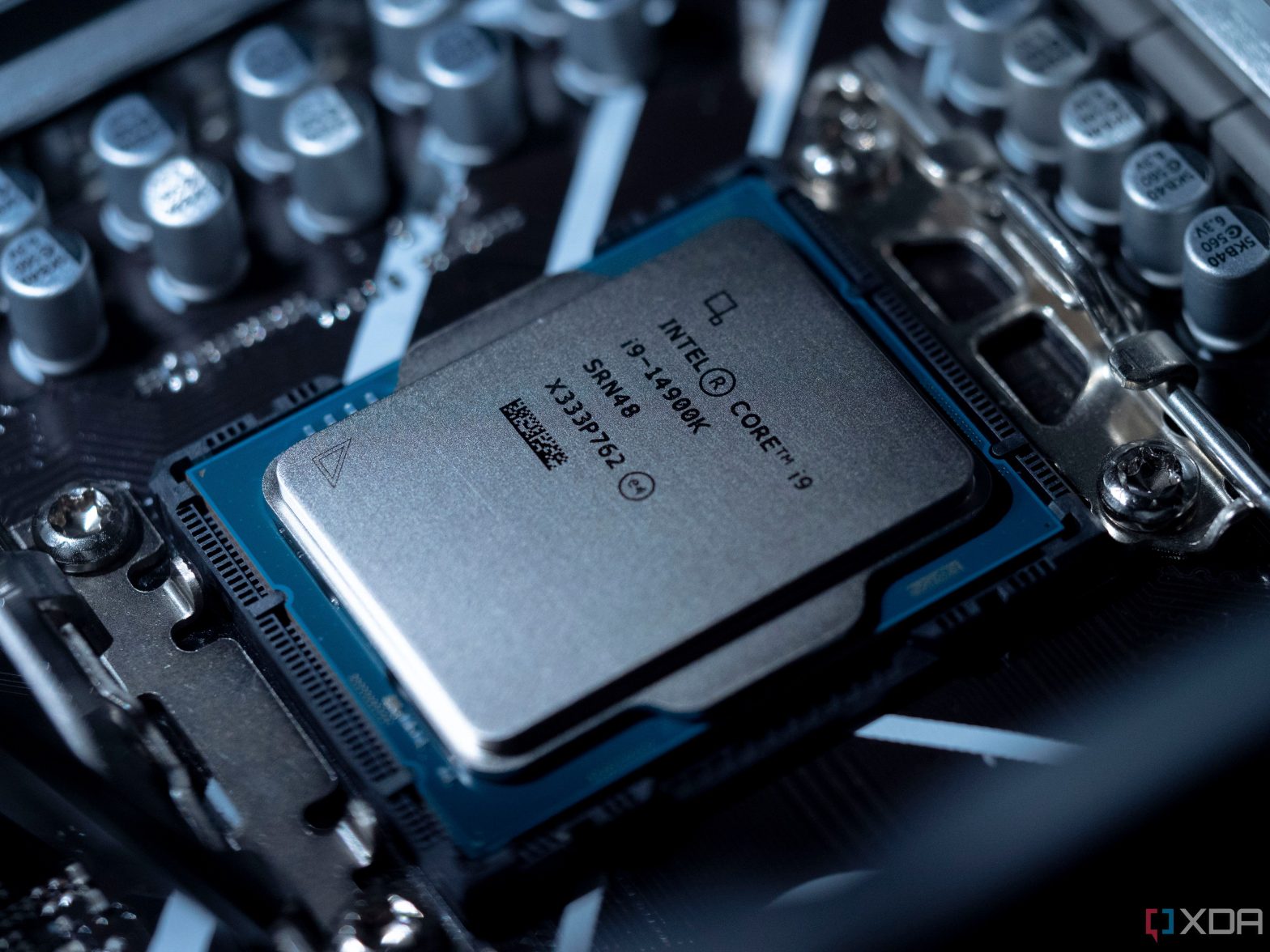
The CPU is one of the most important components of a PC. It’s essentially the brain of a computer that’s composed of one or more cores, and it works in tandem with a bunch of other components to perform the tasks you typically throw at your computer. Without a CPU, you won’t have a functional computer. Installing a CPU is a fairly simple task as long as you keep a few important things in mind, but it’s far from a simple plug-and-play component.
CPU may have compatibility issues

Unlike a great GPU, which is way more plug and play, a CPU comes with plenty of installation caveats. In fact, there are some important things to consider before you even get to the installation part, such as the socket, chipset, memory compatibility, and more. For instance, you can’t install an Intel CPU on an AM4 or AM5 motherboard meant for AMD CPUs. Similarly, you can’t slot in an AMD chip on, say, an LGA 1700 motherboard.
Even those upgrading to a newer CPU while staying true to their Intel or AMD roots will have to consider things like the socket and chipset compatibility. A simple example to consider here is that you can’t install a new Ryzen 7 7800X3D on your old motherboard that currently has a Ryzen 5 3600 CPU. That’s because these two CPUs need different motherboards with different sockets and chipsets. The same is true for Intel CPUs, so I suggest checking the spec sheet to ensure you’re not running into any compatibility issues.
There’s a good chance you might also be running incompatible RAM sticks from your old PC, which are no longer supported by the newer chips on the market. The difference in socket and compatibility also extends to CPU coolers, although most coolers work with processors across the two brands, provided you bring the right mounting bracket for installation.
No need to reinstall the OS, though
While there are a lot of things to consider, there is no need to reinstall your operating system and get a fresh start after changing a CPU, as you can use your old HDD or SSD with the existing OS and all your files to boot into your newly upgraded PC. You may have to enter the BIOS to update or tweak some settings, and you’ll still have to reactivate your OS to get things up and running. A quick OS update following that will also refresh your system and patch it with necessary drivers, so there are no efforts needed from your end for that whatsoever.
Closing thoughts
Long story short, a CPU is not “plug and play” unless you’re making a minor leap to a CPU that belongs to the same brand and generation. Even then, you may run into some chipset compatibility issues or other bottlenecks. Not to mention, you may need newer supporting components to make the most of your newer CPU, like better memory, a more powerful PSU, and more. Installing a CPU also tends to take more time, considering you have to apply the thermal paste and secure the CPU cooler properly in place.
I’m leaving links to buy some of the best processors on the market right now to quickly narrow your search results down to the best options. Alternatively, you can also stop by our collection of the best CPUs or best gaming CPUs in case you need any help finding the right CPU for your build.

Source: Intel
Intel Core i5-13600K
Best overall CPU
$308 $340 Save $32
Intel’s Core i5-13600K is the company’s latest mid-range CPU and is an absolute winner, with much-improved performance over its predecessor, which makes this now one of the best CPUs to put in a gaming PC.

AMD Ryzen 7 7800X3D
Best high-end gaming CPU
$369 $449 Save $80
AMD’s Ryzen 7 7800X3D CPU is the company’s cheapest model with 3D V-Cache and can deliver gaming performance on par or even better than that of the Ryzen 9 7950X.