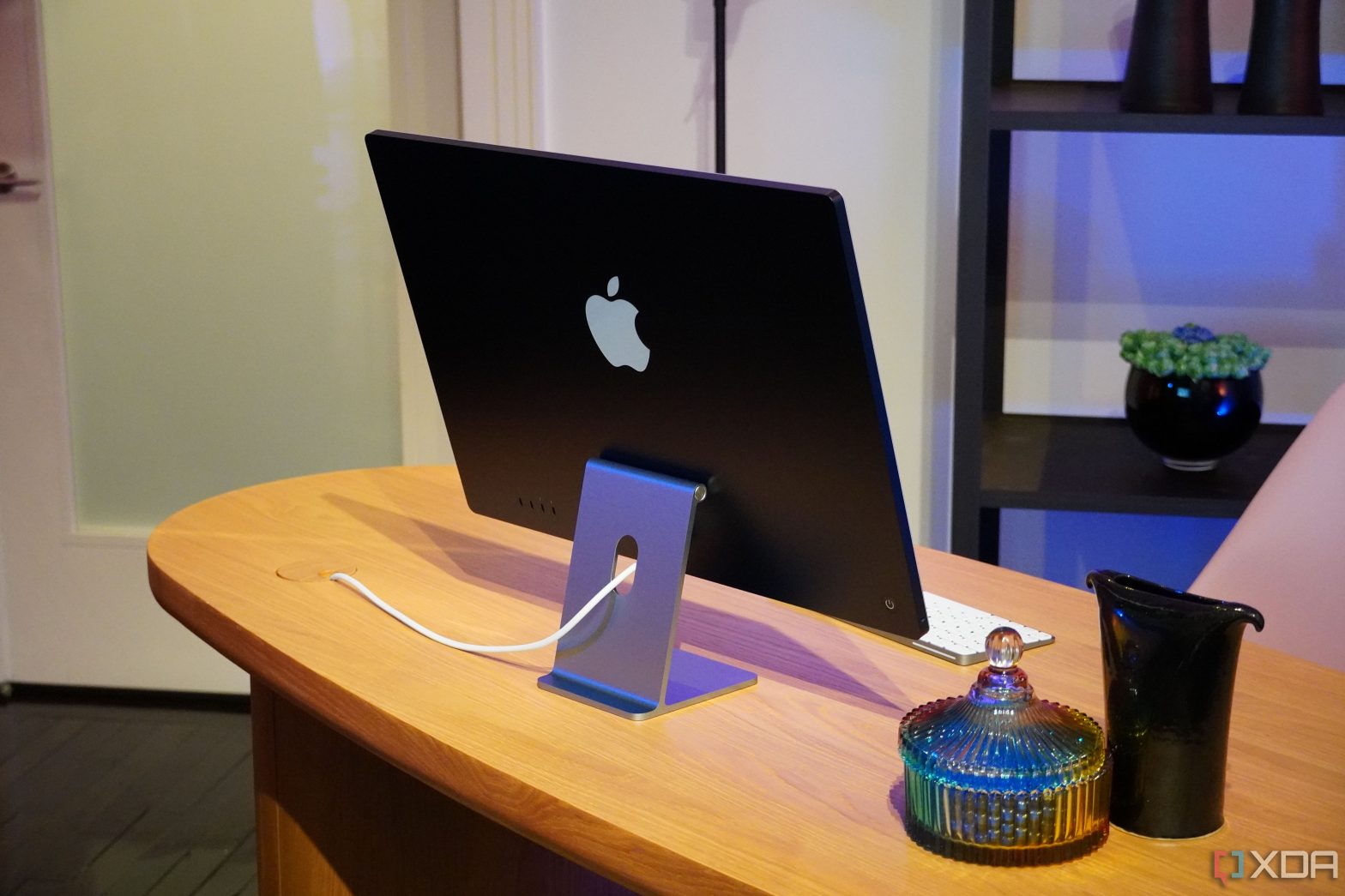
You need a mouse or trackpad to operate your 24-inch iMac (M3, 2023). Here are some of the best options currently available on the market.
The 24-inch iMac (M3, 2023) is Apple’s latest all-in-one computer, packing an upgraded Apple silicon chip in a familiar build. Though, unlike new Mac notebooks, its chassis doesn’t offer an integrated trackpad. That’s why you will be needing a dedicated mouse to operate the 24-inch iMac (M3, 2023). To help you with the hunt, we’ve listed some of the best options below.
-
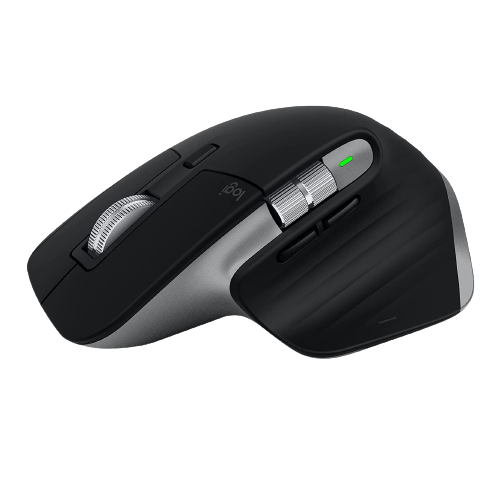
Logitech MX Master 3S for Mac
Editor’s choice
$92 $100 Save
$8The Logitech MX Master 3S for Mac is specially designed for macOS. It packs in an 8K sensor that can track on glass, and less distracting quiet click buttons. You can recharge this mouse via USB-C and connect it to your Mac and two other devices via Bluetooth.
-
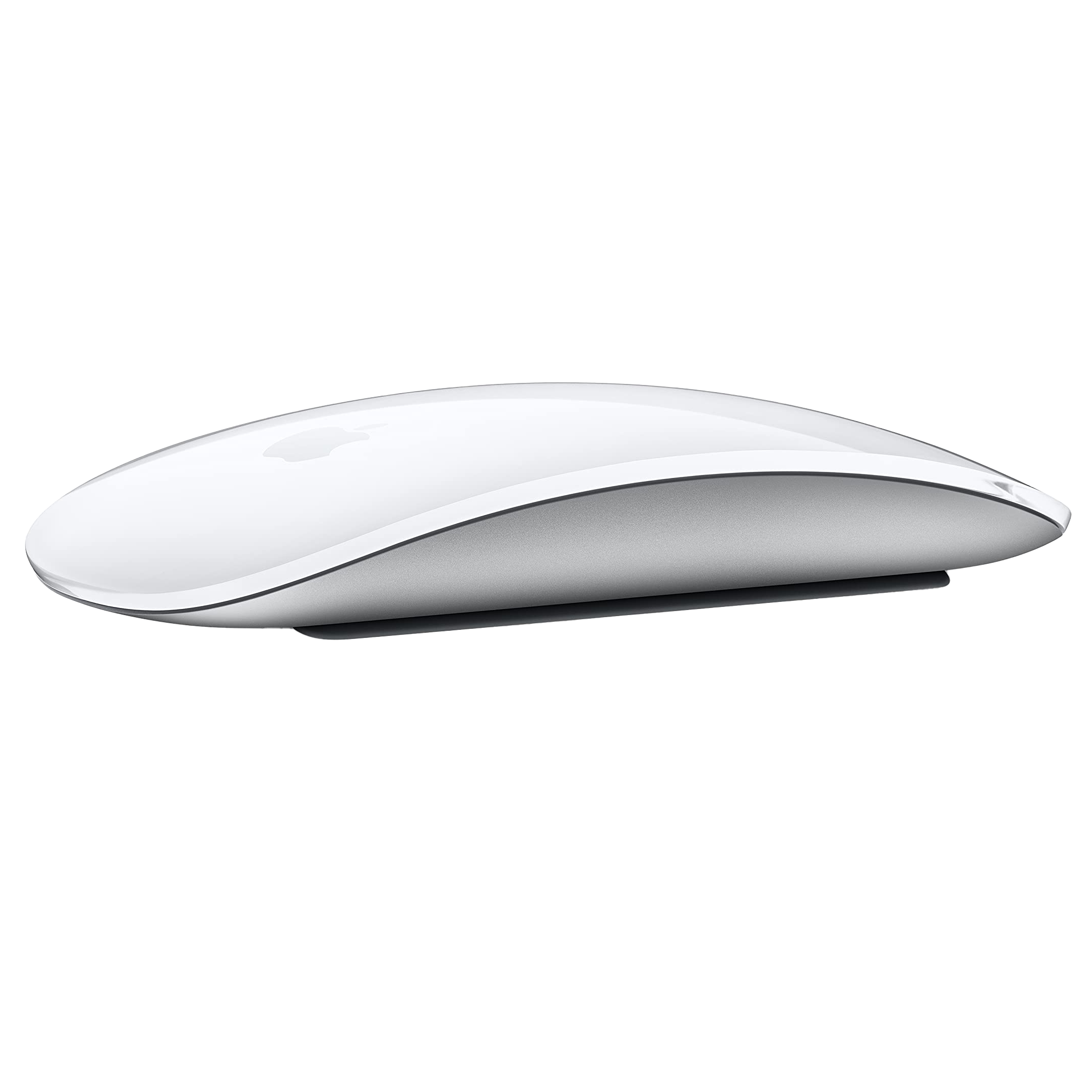
Apple Magic Mouse
Runner-up
$70 $79 Save
$9If you want to stay on brand and have everything Apple, the Magic Mouse is your go-to. This is a sleek-looking mouse that pairs nicely with the clean design of the iMac. It’s a rechargeable mouse, but it can’t charge while it’s in use, unfortunately.
-
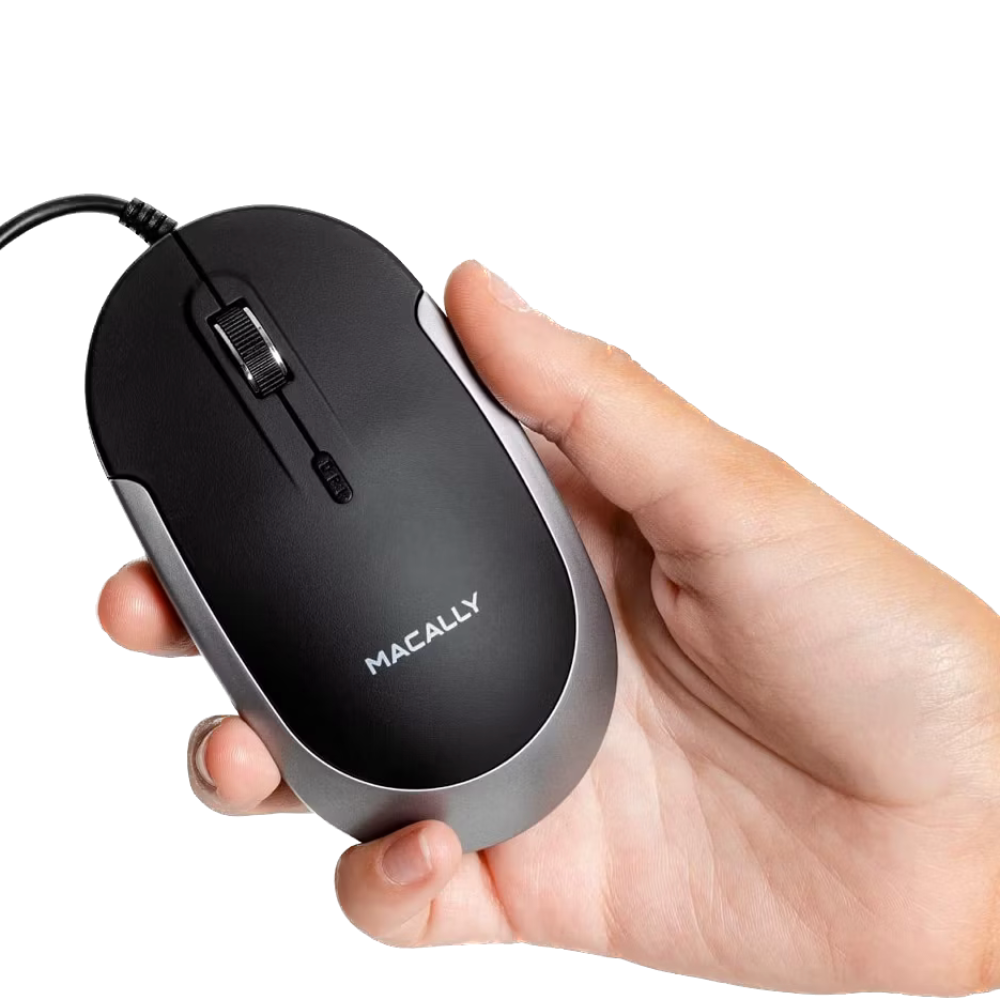
Macally Slim Mouse
Wired mouse
$18 $20 Save
$2You can plug this Macally mouse directly into your Mac and use it without setup. This makes it ideal for those seeking a wired option that requires minimal maintenance.
-
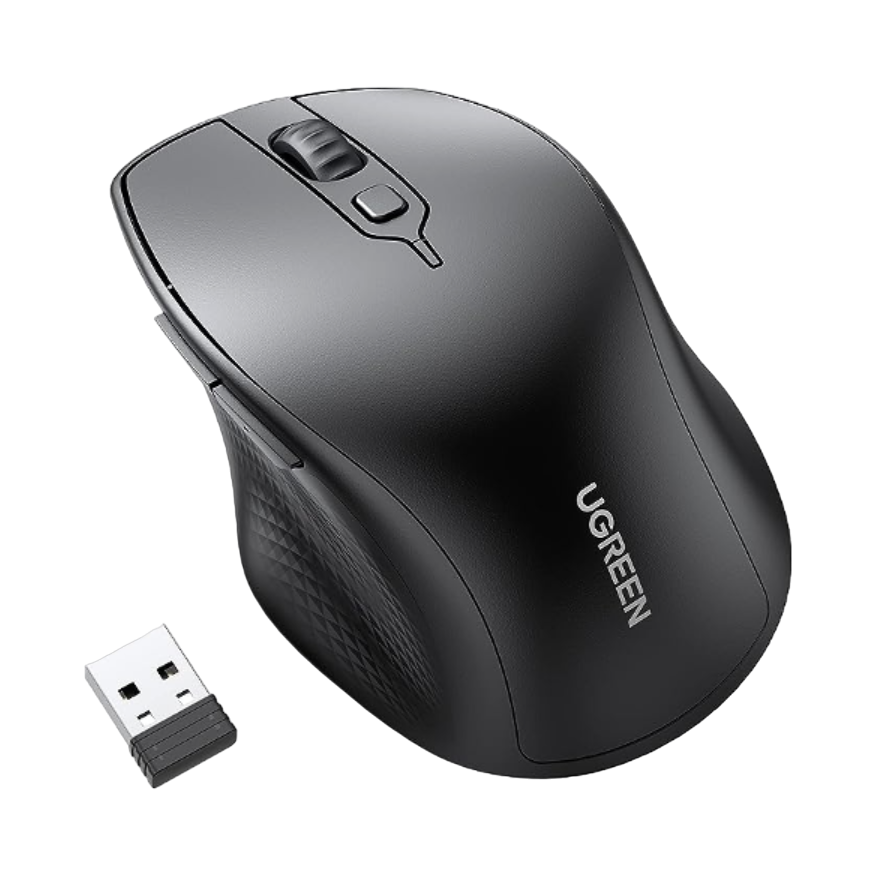
Source: Amazon
Ugreen Wireless Mouse
Silent mouse
$14 $23 Save
$9If you want a quiet mouse that lets you operate your iMac from a distance, the Ugreen Wireless Mouse is for you. With support for Bluetooth 5.0 and wireless 2.4GHz dongle, this cordless mouse should operate your Mac smoothly.
-
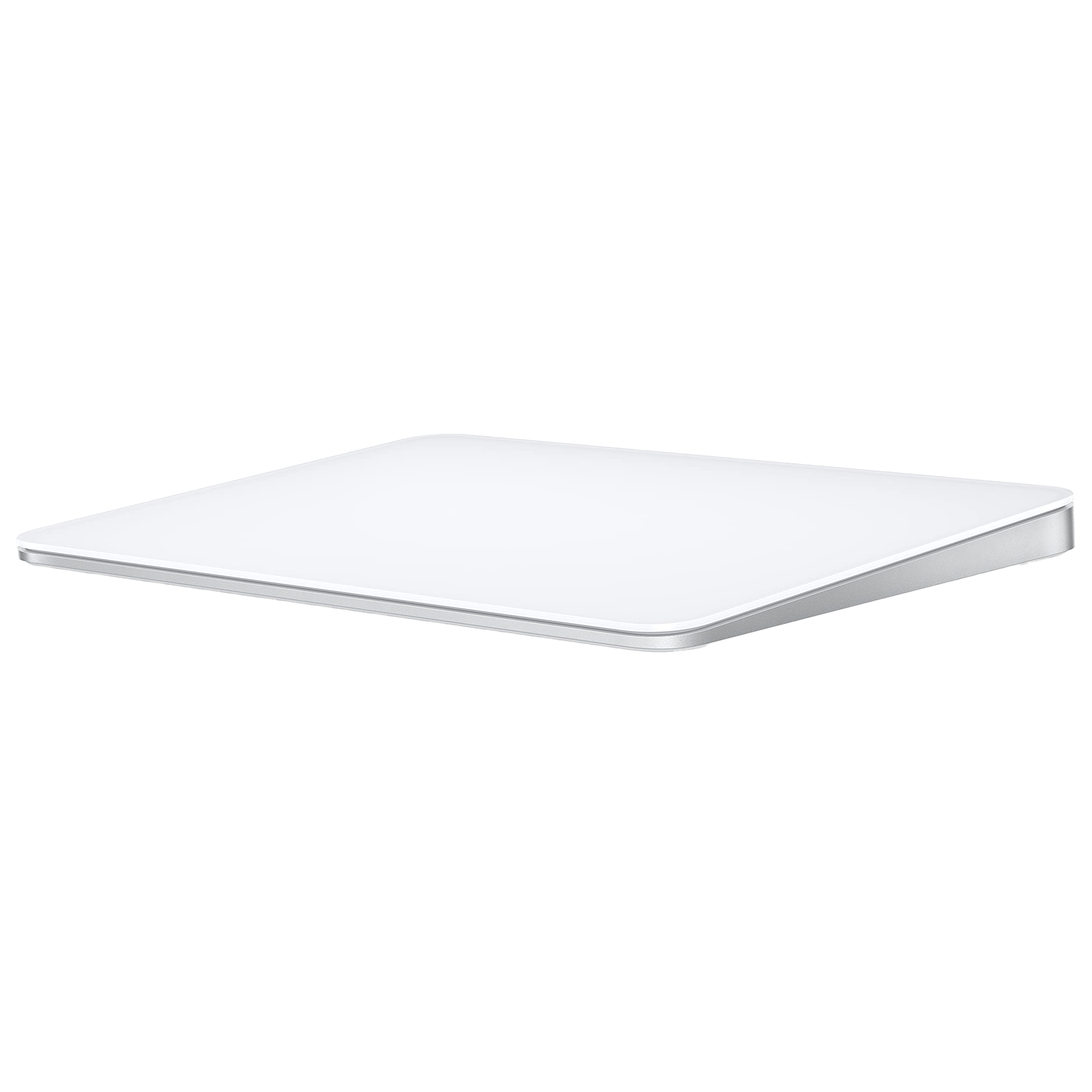
Apple Magic Trackpad
Best trackpad
$115 $129 Save
$14Apart from a hassle-free experience, the Apple Magic Trackpad offers precise control and wide range of gesture support on macOS, including force-touch compatibility.
-
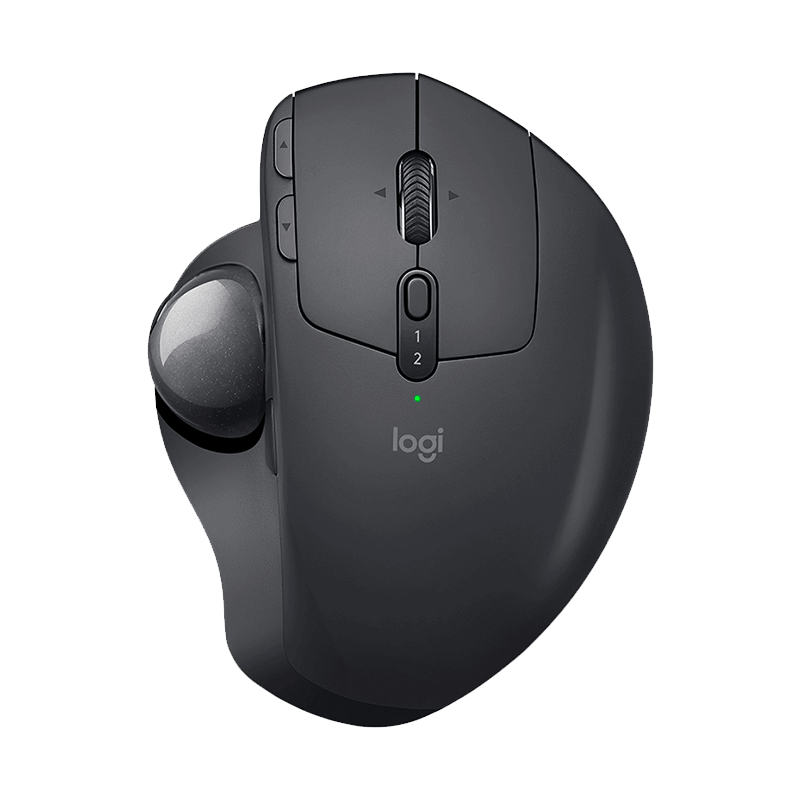
Logitech MX Ergo Wireless Trackball Mouse
Ergonomic pick
The Logitech MX Ergo Advanced Trackball mouse is designed to reduce hand and wrist movement and features an adjustable stand for altering tilt angle. It’s one of the best ergonomic mice you can get for your Mac.
-
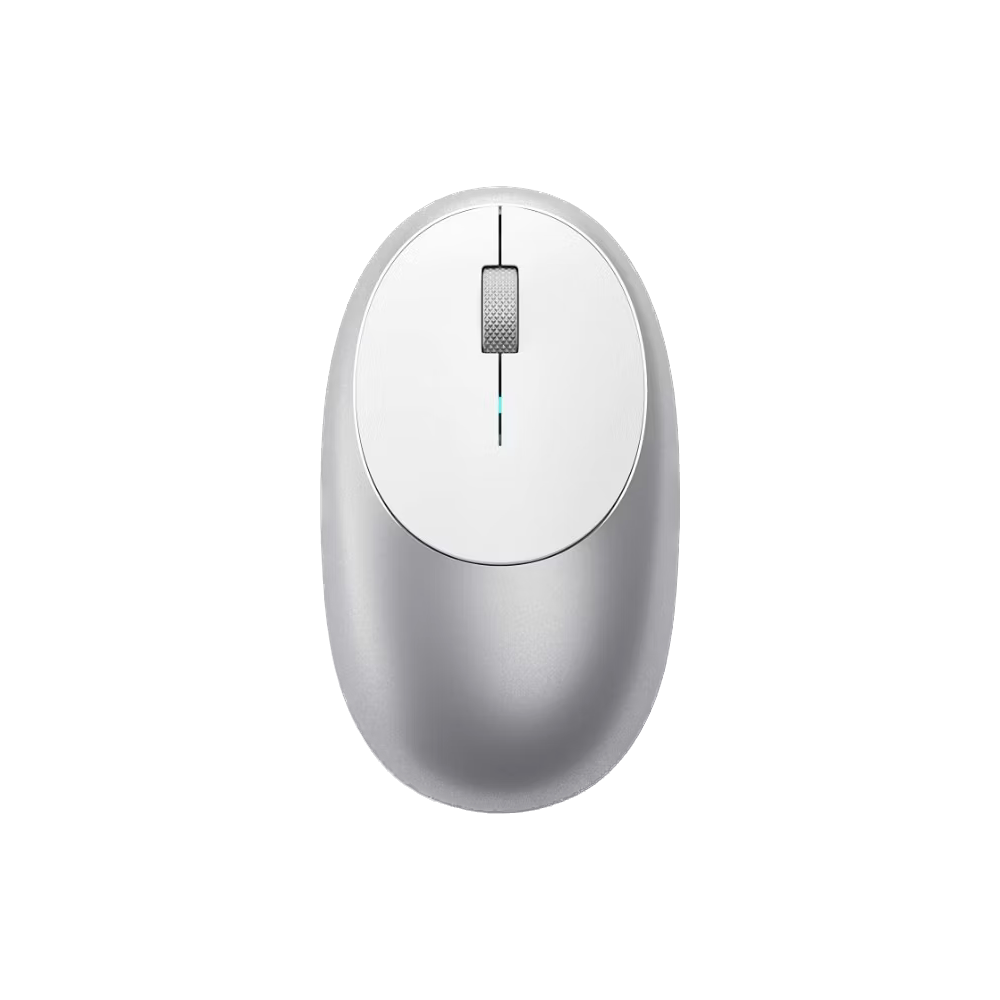
Satechi M1
Compact design
If you are looking for a no-nonsense mouse but with a little more flair than some of the other options, the Satechi M1 is for you. It works effortlessly with the iMac and has an aluminum finish with an ergonomic design.
-
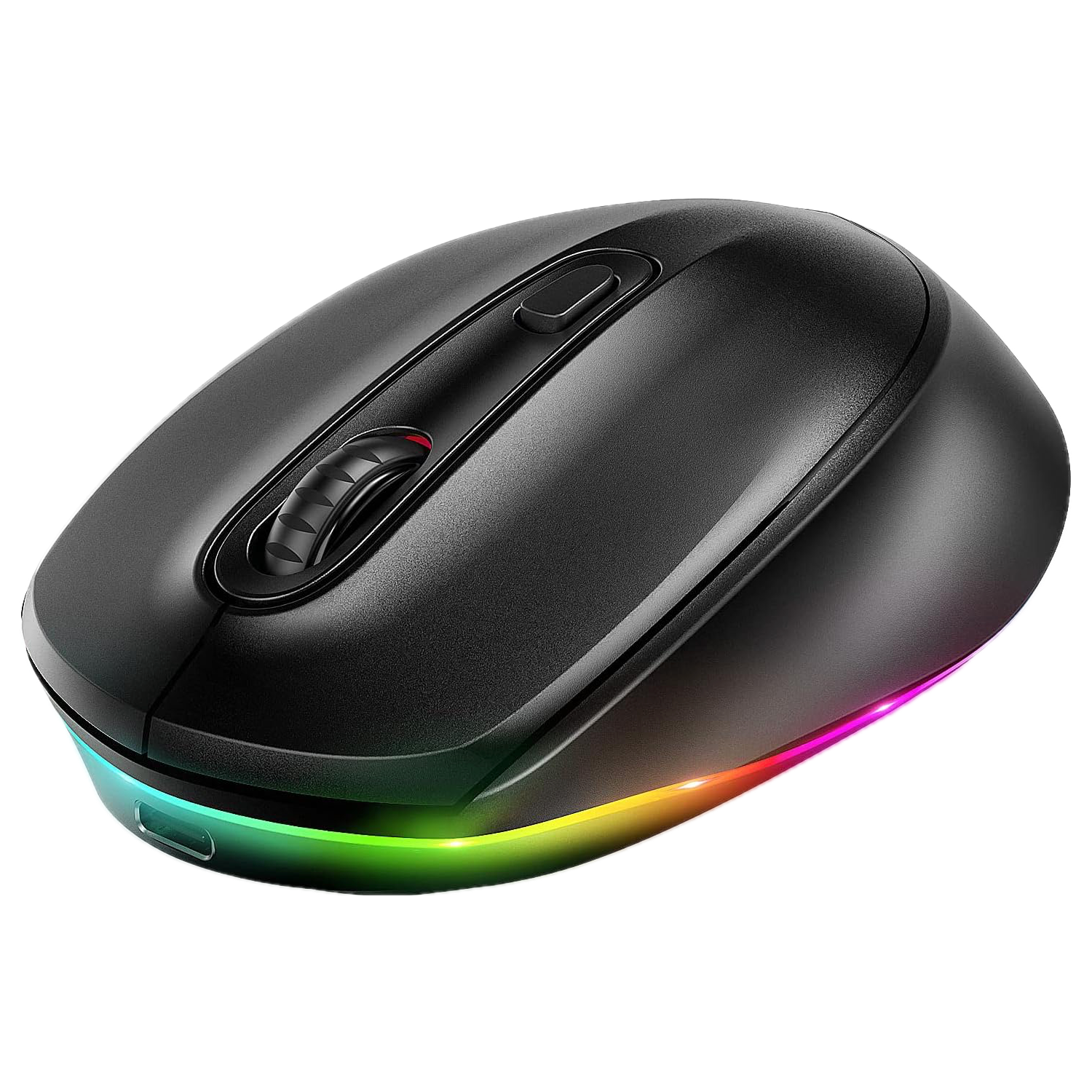
Seenda Bluetooth Mouse
Colorful pick
The Seenda Bluetooth Mouse is an affordable option and supports both Bluetooth and a USB receiver for connectivity. It can work at three DPI levels and offers superb durability. In addition, the mouse comes in 10 color options with LED lighting.


Our favorite mouse options for 24-inch iMac (M3, 2023)
As you can see, there are plenty of solid mouse options for the 24-inch iMac (M3, 2023). If I personally had to pick one, I’d certainly opt for the Logitech MX Master 3S. Not only is it fully compatible with macOS Sonoma, but it also offers a comfortable grip. This makes it ideal for long use sessions.
If you’re not a fan of the Logitech mouse, then the Apple Magic Mouse and Magic Trackpad are two other solid options that support a wide variety of gestures. Otherwise, you’ve got more affordable mice from brands like Ugreen, Seenda, Satechi, and Macally. Ultimately, any of these mice should work just fine with your new iMac and last you for years to come.

24-inch iMac (M3, 2023)
2023’s 24-inch iMac receives a notable processor bump from Apple M1 to M3, along with Wi-Fi and Bluetooth upgrades. It retains the same exterior design and color options of its 2021 predecessor.