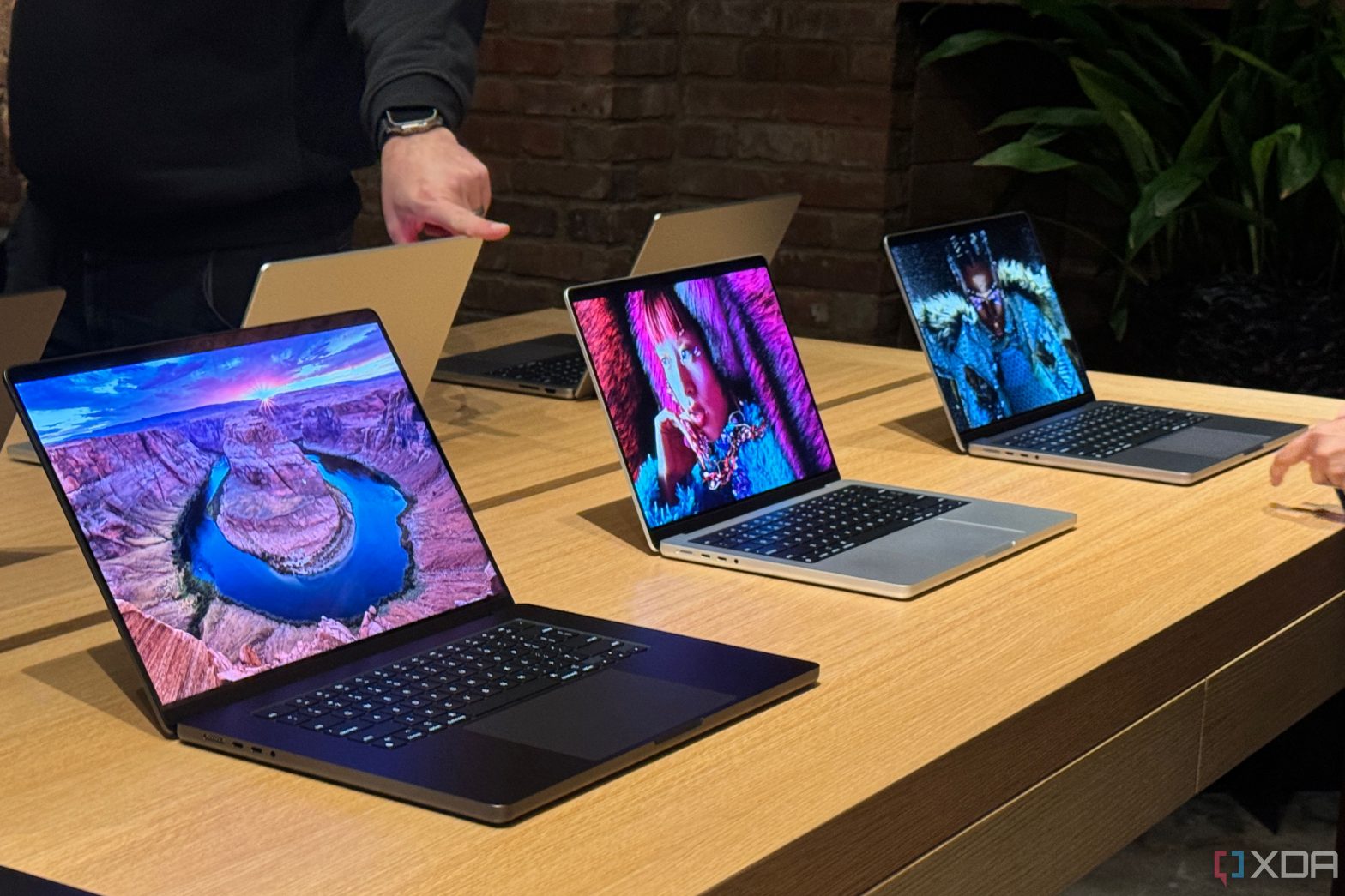
Apple’s latest MacBook Pro models are more powerful than ever. These docking stations make it easier to expand your workstation.
Apple has just refreshed its MacBook Pro line for the second time in 2023, upgrading to the M3 family of processors with a significantly more powerful GPU and faster performance overall. For Apple fans, it’s an exciting announcement, bringing more power than ever to some of the best Macs ever. That kind of power means it’s easy to power a high-end workstation with things like dual displays and multiple accessories.
To help you power that workstation, though, you’ll want a docking station to handle all the connections to your peripherals. After all, while the MacBook Pro has a solid supply of ports, it’s not super impressive in terms of connectivity, and nothing has really changed from the previous model. As such, we’ve rounded up some great docking stations to expand those connectivity options on the MacBook Pro (M3).


-
Source: Plugable
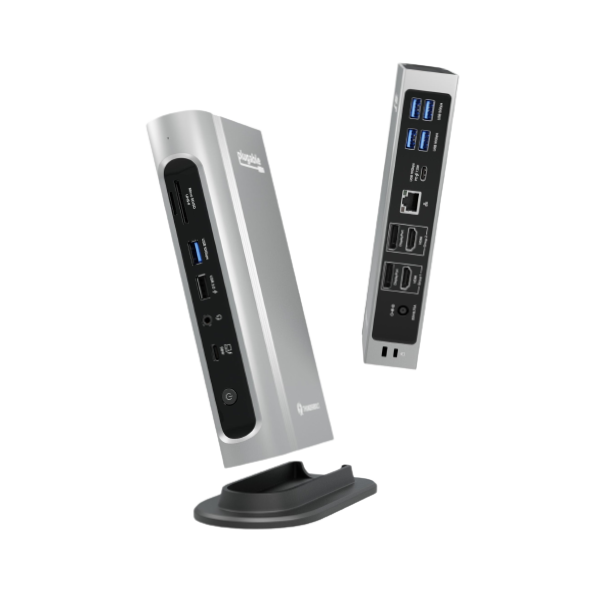
Plugable TBT4-UDZ Quad Display Dock
Editor’s choice
The Plugable 16-in-1 Thunderbolt Dock (TBT4-UDZ) is easily one of the best docks you can get, and it’s excellent value, too. It has four display outputs (though only two are supported at a time), five USB Type-A ports, 2.5Gbps Ethernet, SD card readers, and USB-C, all in a sleek design for a reasonable price.
-
Source: CalDigit
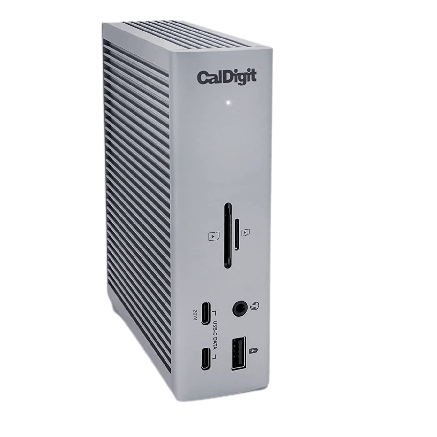
CalDigit TS4 Thunderbolt 4 Dock
Premium pick
If you have the money to spend, it’s hard to do much better than the CalDigit TS4. It comes with a whopping 18 ports, including downstream Thunderbolt, super-fast Ethernet, SD card readers, USB Type-A and Type-C, and even DisplayPort. There are tons of options here for anything you need, though the price is a bit steep.
-
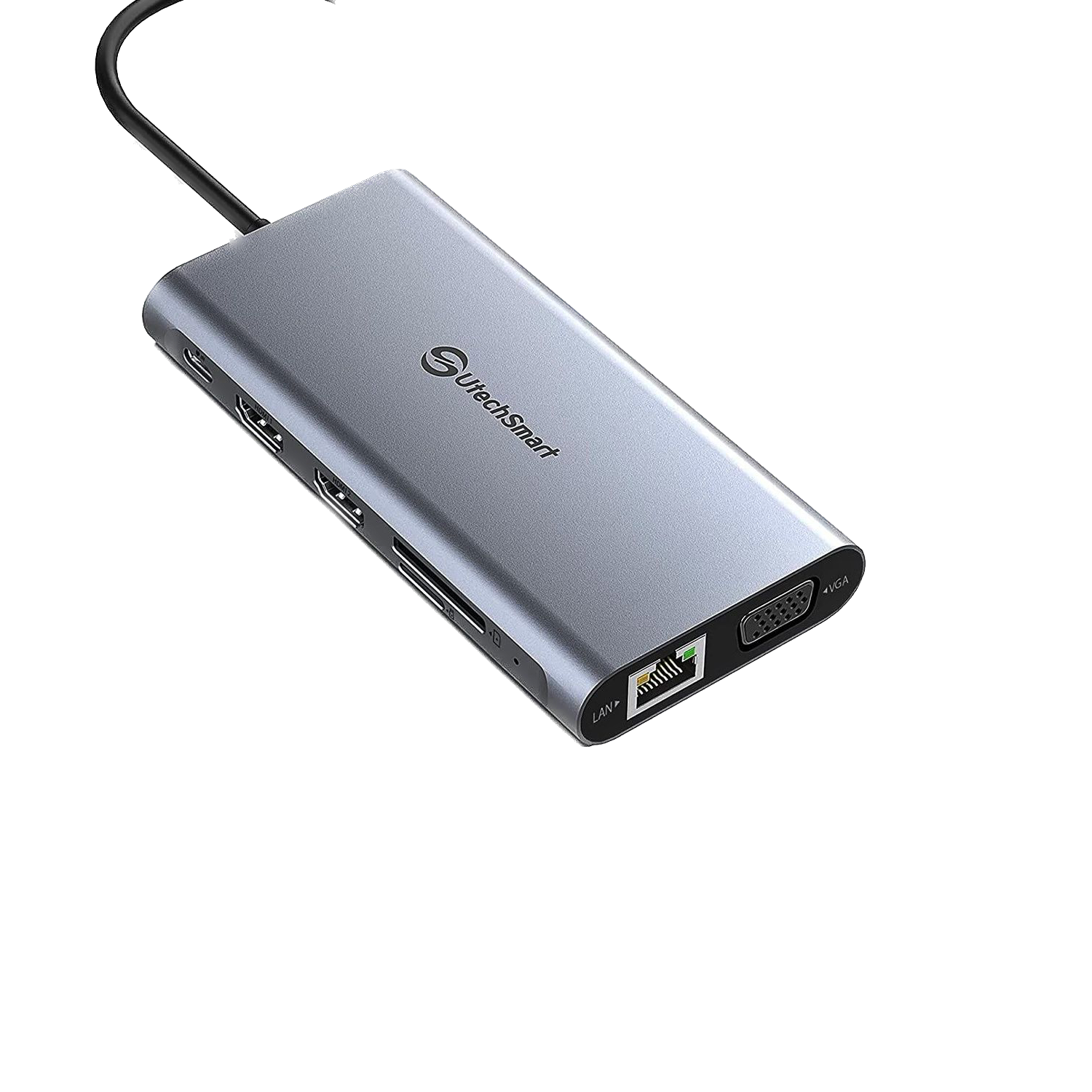
UtechSmart 12-in-1 USB-C Docking Station
Best value
If you want a great docking station without spending over $100, this Utechsmart option is a great choice. It’s affordable, yet it still gives you two HDMI outputs (plus VGA), gigabit Ethernet, and a lot of USB Type-A ports for any peripherals you might want. It also includes both full-size and microSD card readers.
-
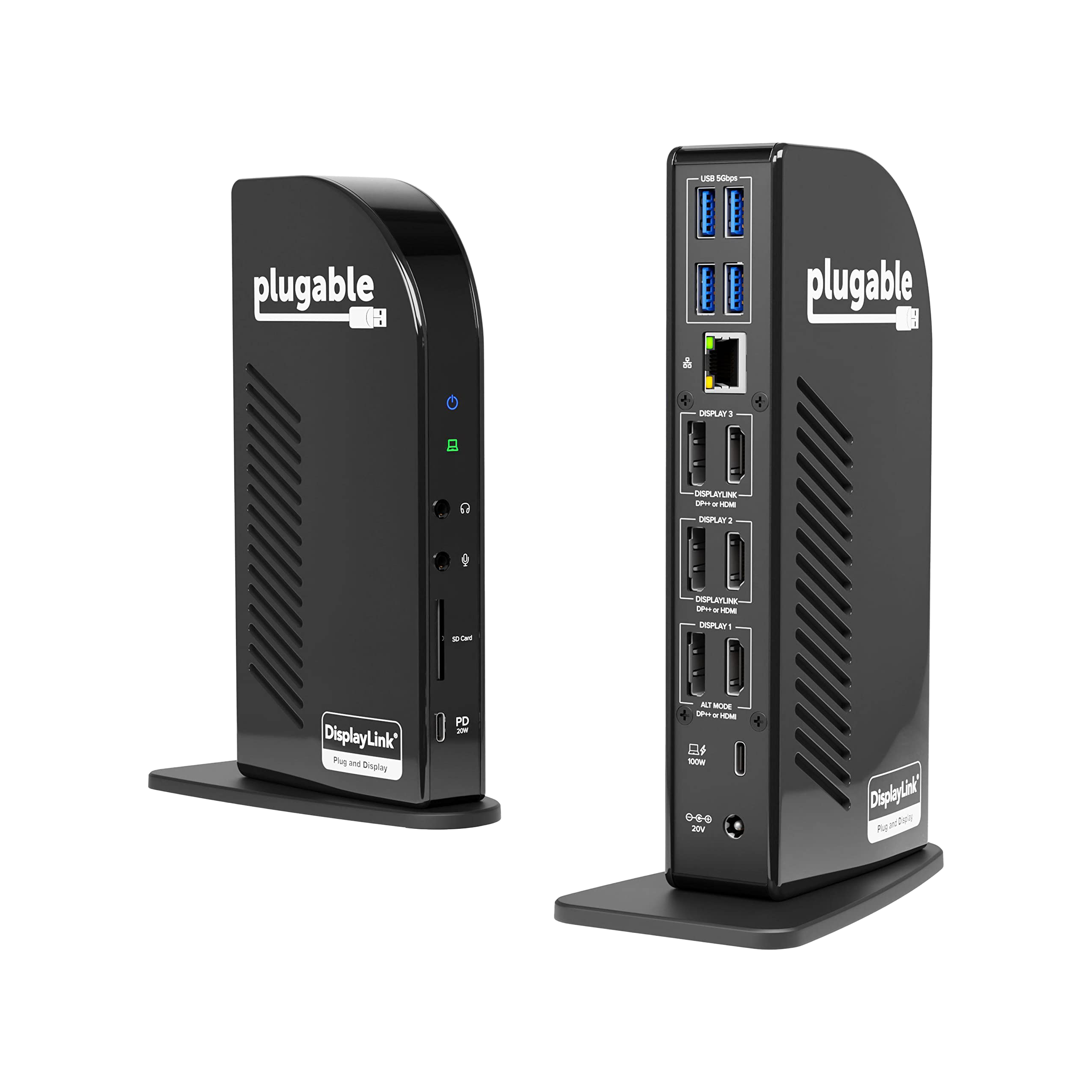
Plugable USB-C 4K Triple Display Docking Station
Triple-monitor setup
Now that the 14-inch MacBook Pro starts with a standard M3 chip, it supports only one external display in the base model. However, using this Plugable dock, you can use up to three 4K displays via HDMI or DisplayPort on any Mac model. Plus, it has plenty of USB ports, an SD card reader, and gigabit Ethernet.
-
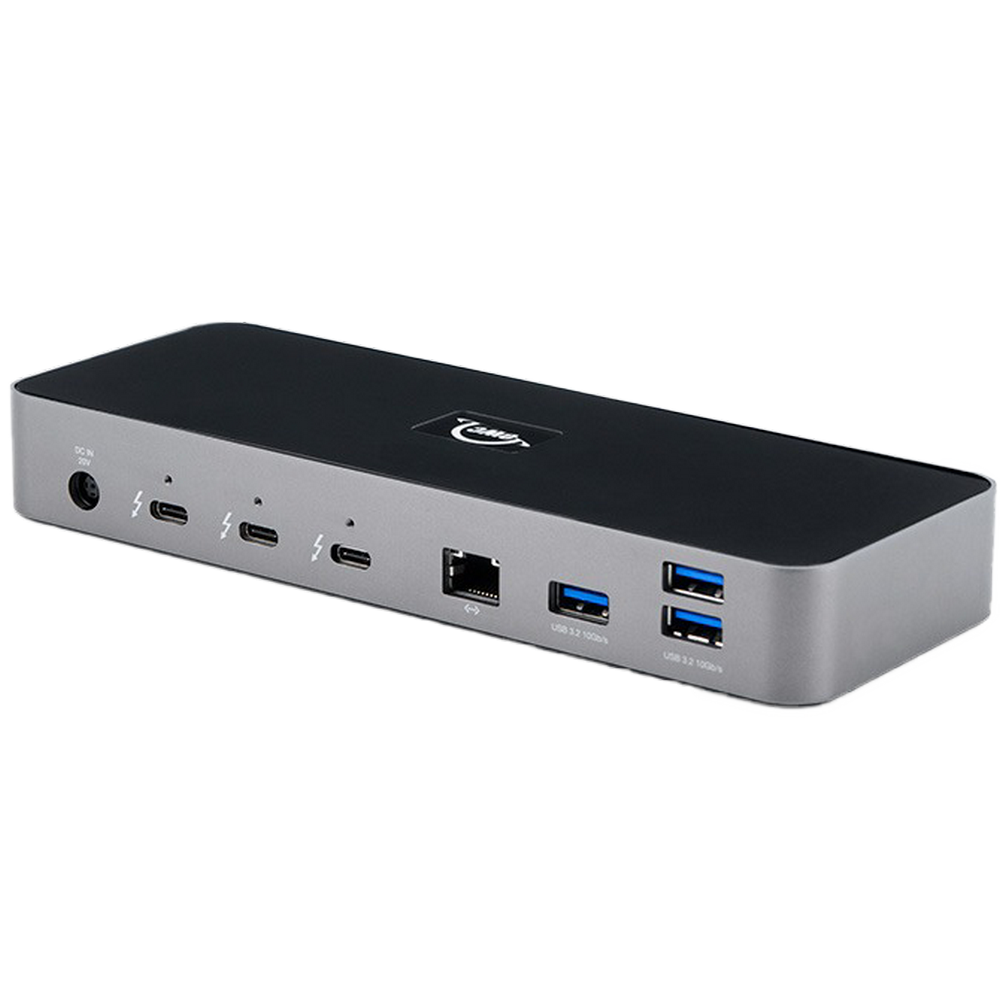
OWC 11-Port Thunderbolt Dock
Compact pick
$230 $250 Save
$20The OWC 11-Port Thunderbolt Dock is a very compact solution, but it offers great connectivity options. It includes three downstream Thunderbolt ports and four USB Type-A ports, plus an SD card reader and gigabit Ethernet. It’s not as advanced as some other options, but its compact size and affordable price tag make this a great option.
-
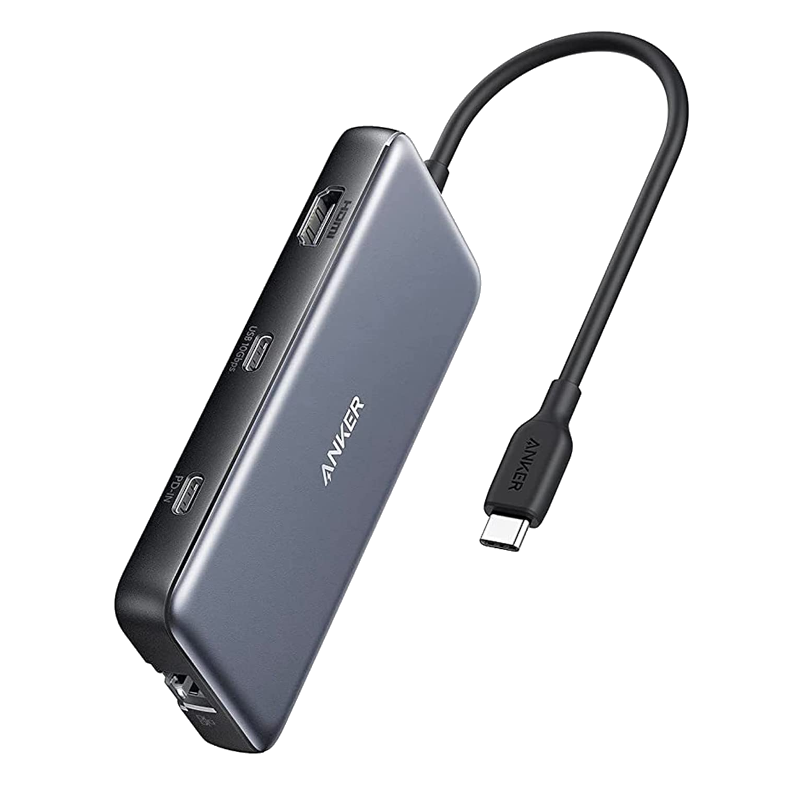
Source: Anker
Anker 555 USB-C Hub (8-in-1)
Affordable USB hub
Want more ports on the cheap? The Anker 555 is a simple USB-C hub, but it offers plenty of connectivity for this tiny package. You ger two USB Type-A ports (and two Type-C, including one for charging), plus HDMI, Ethernet, and both full-size and microSD card readers. For $60, it’s pretty great.
-
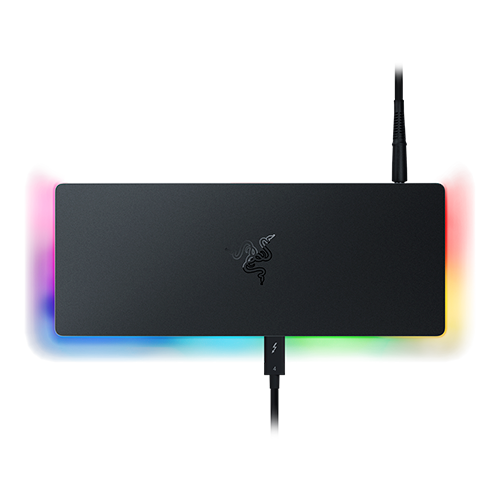
Source: Razer
Razer Thunderbolt 4 Dock Chroma
Add some flair
$310 $330 Save
$20The MacBook Pro isn’t exactly flashy, so if you want to spice up your setup, the Razer Thunderbolt 4 Dock Chroma is perfect. Featuring fancy RGB lighting, it breathes new life into your desk, plus it has plenty of connectivity, with downstream Thunderbolt, USB Type-A, Ethernet, and an SD card reader.
-
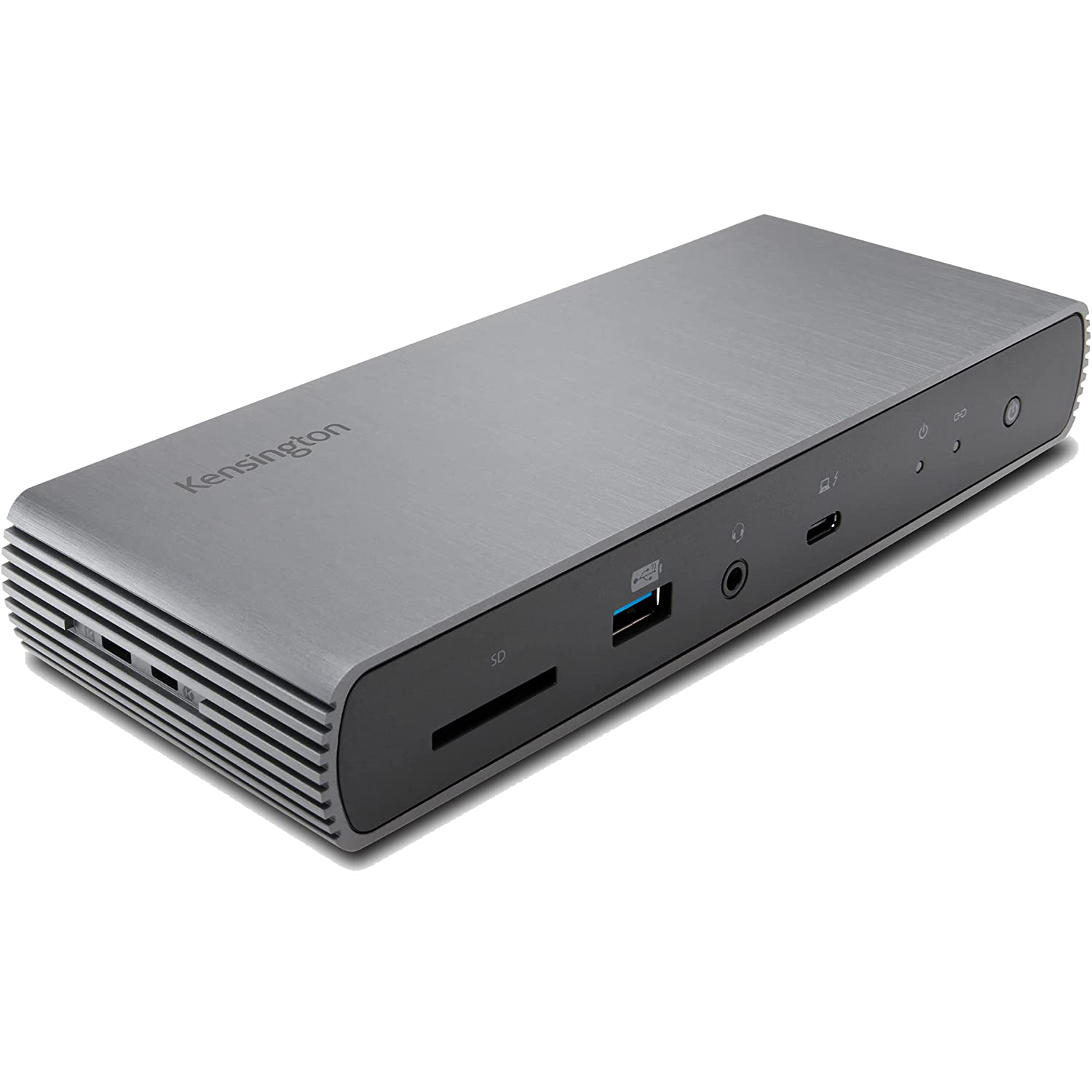
Kensington SD5780T Thunderbolt 4 Docking Station
Tough-looking design
On the other hand, if you want a more professional look, the Kensington SD5780T is for you. Featuring a tough-looking metal chassis, it offers plenty of connectivity, including four USB Type-A ports, two downstream Thunderbolt ports, HDMI, and gigabit Ethernet. It also provides up to 96W of power to charge your MacBook.


Best docking stations for the MacBook Pro (M3, 2023): Bottom line
As with most laptops, the best docking stations you can get for the M3-based MacBook Pro models are Thunderbolt docks, since they provide a high-speed connection most other docks can’t match. A dock like the Plugable TBT4-UDZ gives you multiple display outputs and fast USB ports, plus super-fast 2.5Gbps Ethernet, and it’s excellent value for money. For the base MacBook Pro models, though, a DisplayLink dock like the Plugable USB-C 4K Triple Display Docking Station may be a better option since it doesn’t use typical display drivers. It actually lets you use three external displays on any Mac.
Of course, if you want to save some money, the UtechSmart USB-C hub is also an excellent option. It similarly uses DisplayLink to enable multiple displays, though it doesn’t support 4K at 60Hz. However, for such a low price, it offers fantastic connectivity.
If you haven’t yet, you can buy the MacBook Pro using the links below.

MacBook Pro (M3, 2023)
The new MacBook Pro comes with the M3 family of chips, from the standard M3 to the M3 Max, promising more performance than ever, with an emphasis on the GPU. It also comes in a new Space Black colorway.