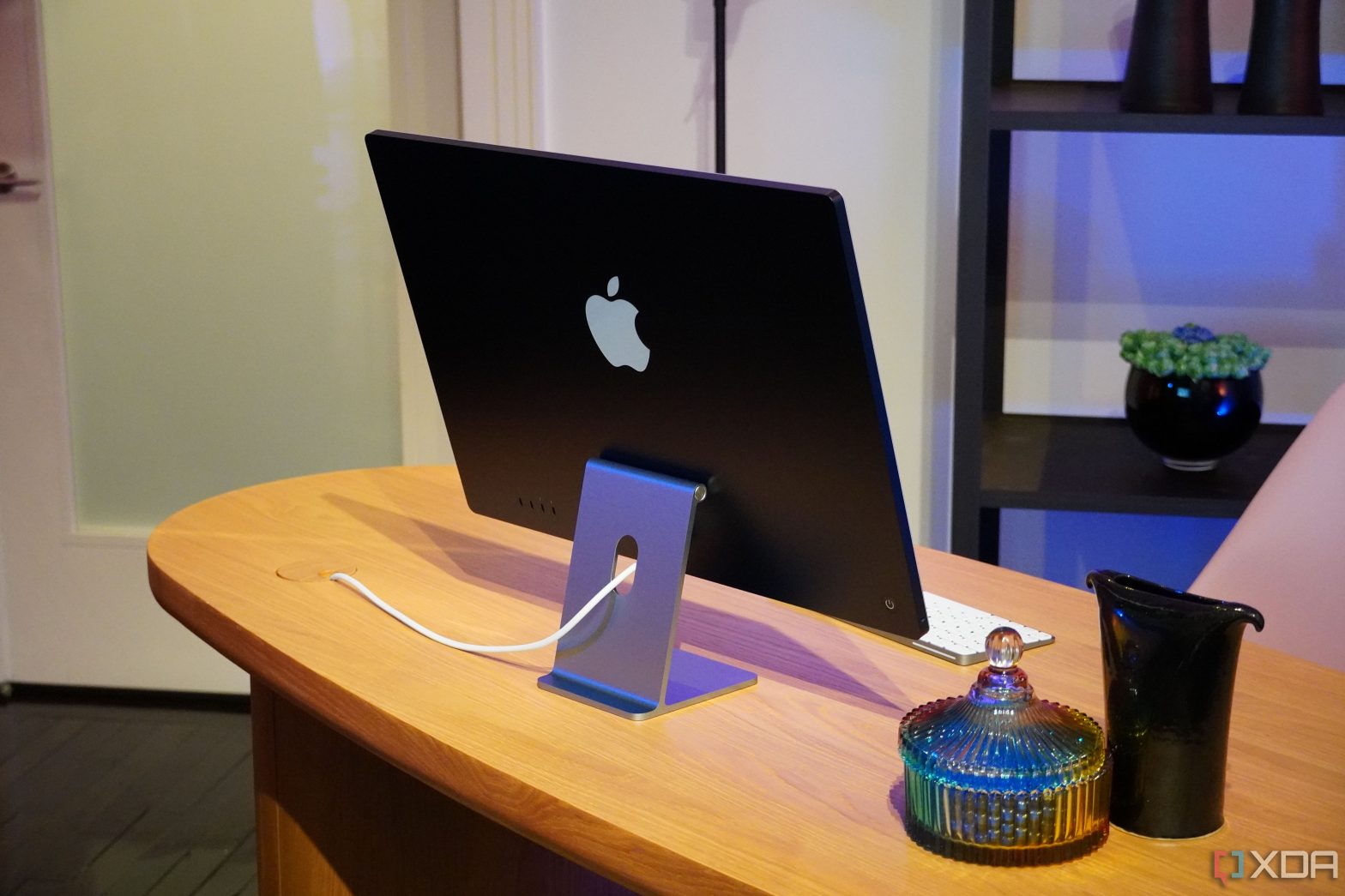
Apple’s 24-inch iMac (M3, 2023) supports one external display. Here are some of the best monitors you can currently pair with your new Mac.
The 24-inch iMac (M3, 2023) is one of the latest Macs, featuring a sleek, all-in-one form factor and a mighty Apple silicon chip. And while the iMac itself offers a built-in 23.5-inch display, it actually supports an additional monitor. Due to the base M3 chip’s limitations, however, you’re limited to a single external display with up to 6K resolution at 60Hz. Nonetheless, an additional monitor still provides an effective way to multitask and have numerous app windows laid out in front of you. To help you find a decent monitor for your 24-inch iMac (M3, 2023), we’ve listed some of the best options below.
-
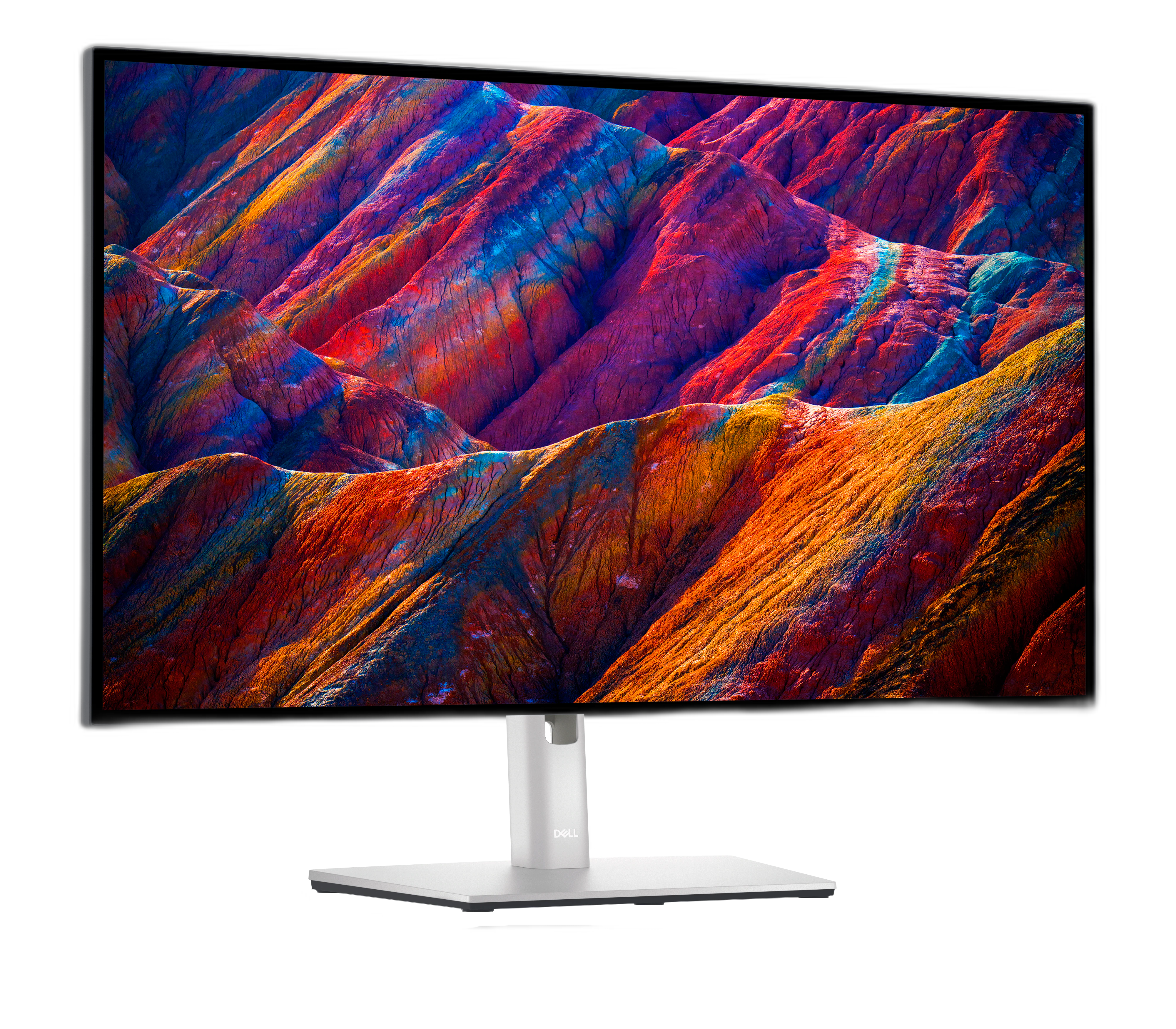
Dell UltraSharp U2723QE
Editor’s choice
$500 $524 Save
$24The Dell UltraSharp U2723QE is one of the first monitors in the world to use IPS Black technology, offering a 2000:1 contrast ratio while still having great viewing angles. Plus, it’s a super-sharp 4K panel, it covers 98% of DCI-P3, and it’s certified for DisplayHDR 400. It also connects with a single USB-C cable, complete with 90W power delivery, making it really easy to set up.
-
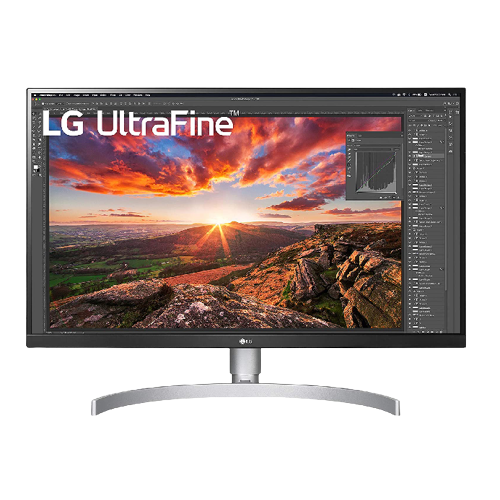
LG UltraFine 27-inch 4K Monitor
Mid-range monitor
$230 $350 Save
$120This 27-inch 4K monitor connects seamlessly with the iMac. It supports USB Type-C connectivity and shows all monitor controls in the settings panel of your Mac. It’s a VESA HDR400 panel that covers up to 99% of the sRGB space. It also supports USB-C with 60W Power Delivery and comes with a height-adjustable stand that matches Apple’s design aesthetics.
-
Source: Asus
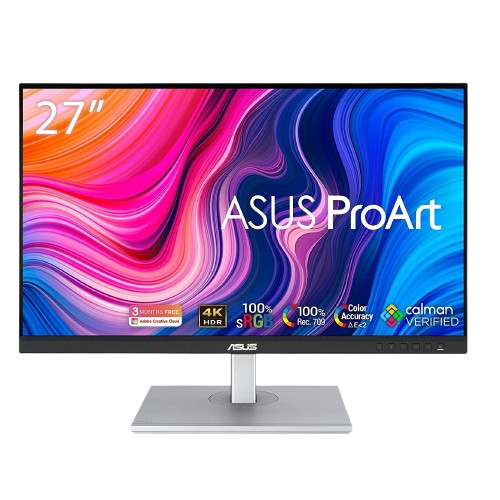
ASUS ProArt PA279CV 27-inch 4K UHD Monitor
Accurate colors
The ASUS ProArt PA279CV is suited for customers looking for an external display for the purpose of photo or video editing. It features a 27-inch 4K resolution IPS panel that offers 100% sRGB coverage and a USB-C port for seamless connectivity, and is factory calibrated for Delta E < 2 color accuracy.
-
Source: ViewSonic
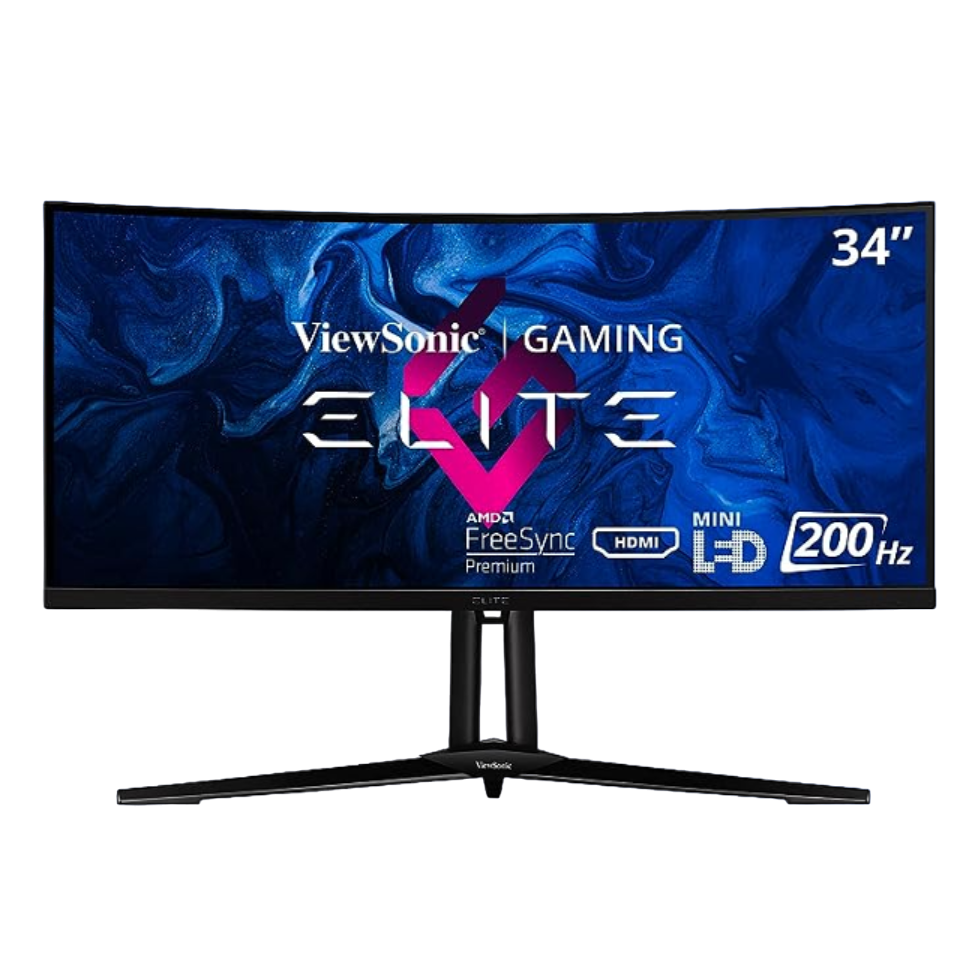
ViewSonic Elite XG341C-2K
Mini-LED
$1200 $1500 Save
$300The ViewSonic Elite XG341C is a high-end monitor with a 3440×1440 screen resolution, 200Hz refresh rate, and most importantly, a mini-LED display. It may be on the pricier side for a monitor, but its peak brightness of 1400 nits and 97% coverage of the DCI-P3 color gamut makes it more than worth the premium cost.
-
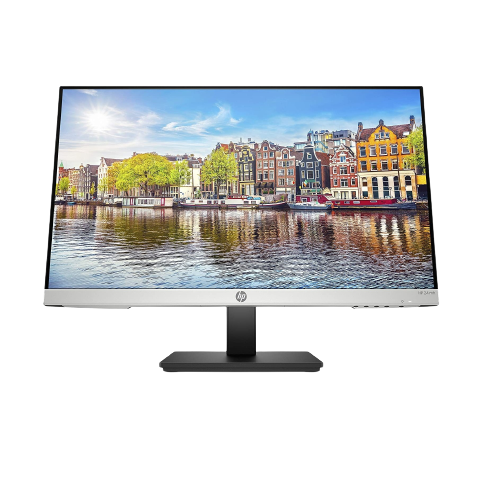
HP 24MH FHD monitor
Best value
$150 $160 Save
$10The HP 24mh is a nice entry-level monitor that covers all the basics. It’s a 24-inch Full HD panel, it has a 75Hz refresh rate, and it even has built-in speakers, which isn’t that common for monitors this cheap. Plus, it supports height, tilt, and pivot adjustments, so it really is fantastic value for the money.
-
Source: Dell
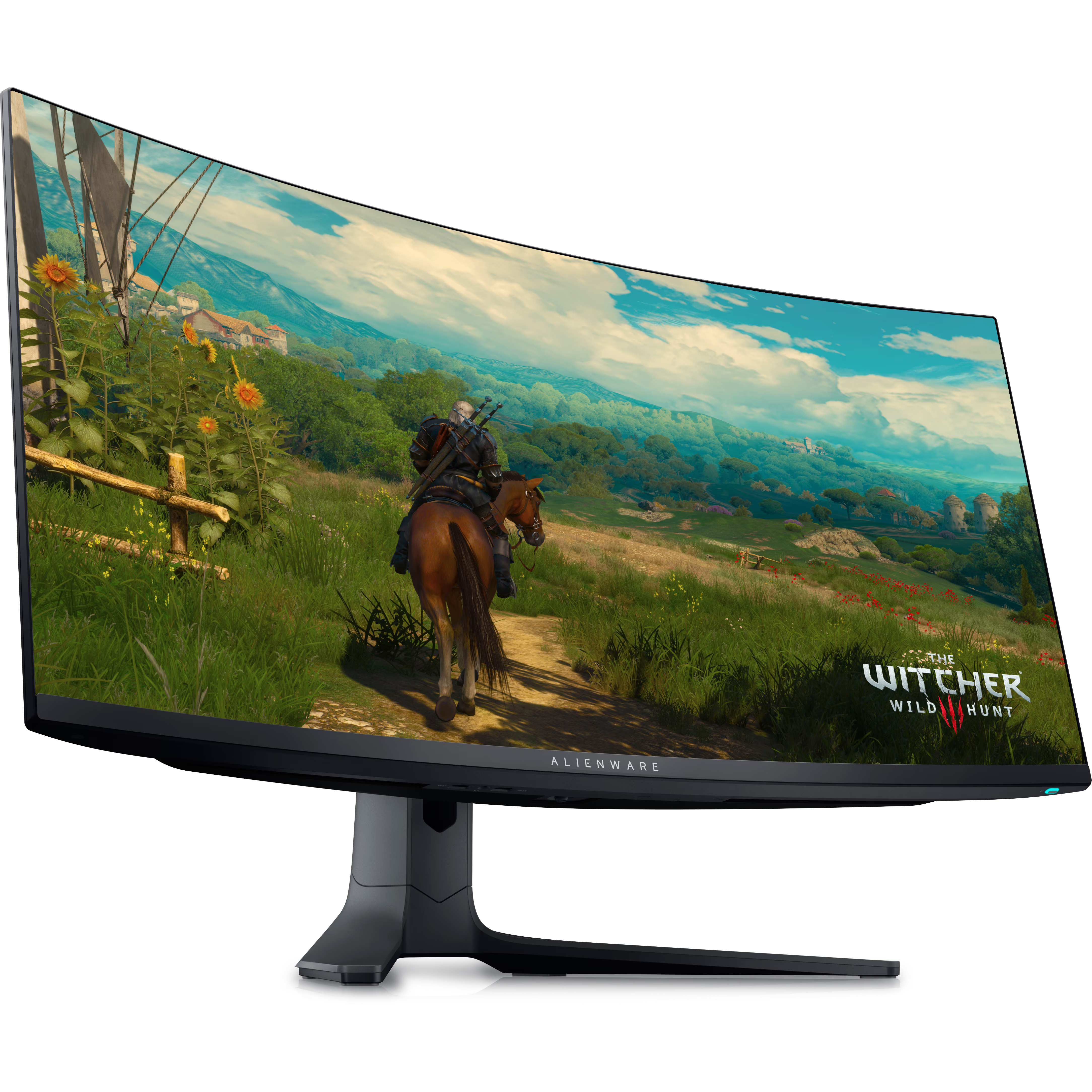
Alienware AW3423DWF
For gamers
$800 $1000 Save
$200Dell’s Alienware AW3423DWF is an exceptional 34-inch ultrawide gaming monitor with 3440×1440 resolution, 165Hz refresh rate, and 0.1ms response time. Its QD-OLED tech brings extra brightness and color, and it can be used for creative work when you aren’t gaming.
-
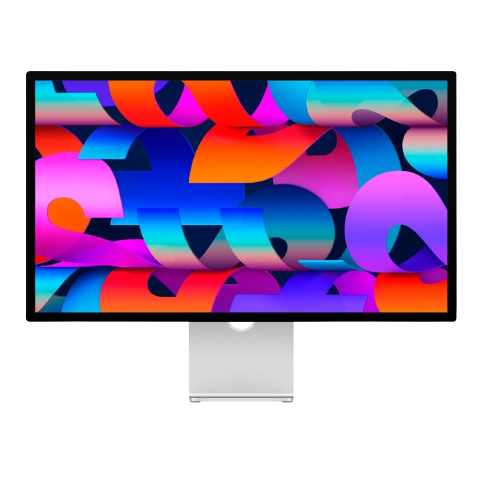
Apple Studio Display
Premium pick
$1499 $1599 Save
$100The Studio Display is the ideal pairing for the iMac if you’re an Apple fan. It’s a sharp monitor that comes with a built-in 12MP webcam and reaches up to 600 nits of brightness.
-
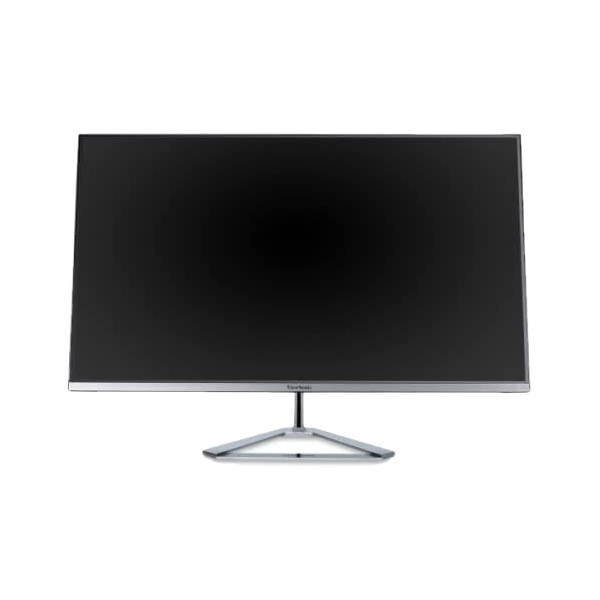
ViewSonic VX3276-MHD
For casual use
The ViewSonic VX3276 is a reliable 32-inch 1080p IPS monitor if you don’t want to burn a huge hole in your pocket. It isn’t the best for color-sensitive work, but it’s also not nearly as expensive as some other monitors mentioned in this collection.


Our favorite monitors for 24-inch iMac (M3, 2023)
As our list reveals, there are plenty of monitors that work with the 24-inch iMac (M3, 2023). If I personally had to pick one of them, I would go for the Dell display. It’s a well-balanced pick that offers an immersive viewing experience for a reasonable price. Those who actively edit photos and videos will likely appreciate the Asus for its color accuracy. Meanwhile, you’ve got a smart pick from Apple that fully supports macOS.
Otherwise, you’ve got a gaming monitor from Alienware and budget-friendly picks from HP and ViewSonic. Ultimately, any of these monitors should complement your iMac nicely. Just keep in mind that you’re limited to a single display at a time. Furthermore, the best supported setup is 6K resolution at 60Hz.

24-inch iMac (M3, 2023)
2023’s 24-inch iMac receives a notable processor bump from Apple M1 to M3, along with Wi-Fi and Bluetooth upgrades. It retains the same exterior design and color options of its 2021 predecessor.