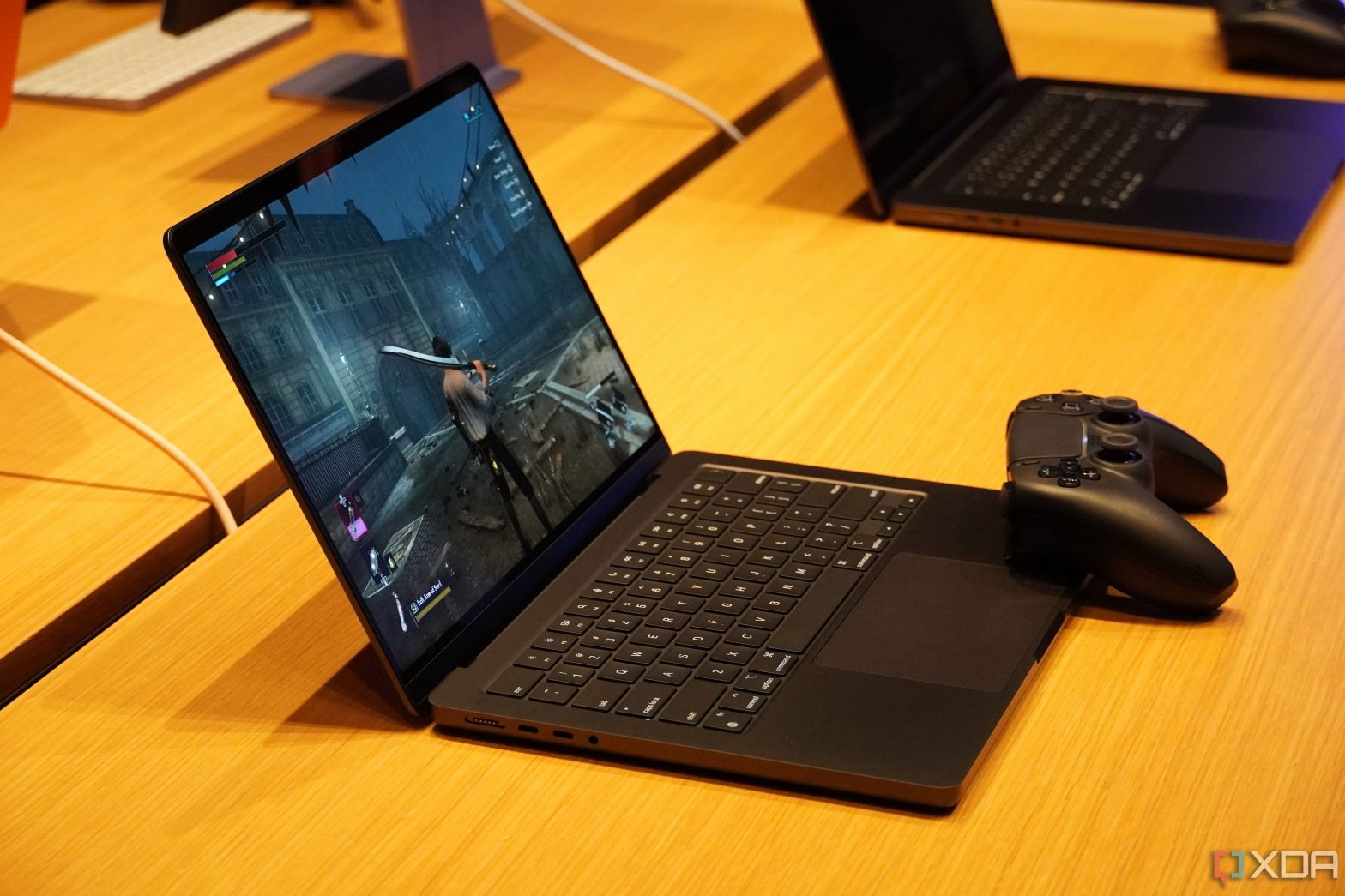
Want to know what to pair with your MacBook Pro (M3, 2023)? Take a look at the best accessories for it.
Apple recently announced its lineup of M3 chips and the new Macs and MacBooks that would be coming with them. The new lineup of MacBook Pros comes with the M3, M3 Pro, or M3 Max chip and are offered in either 14-inch or 16-inch versions. If you’re in the market for a new laptop, no matter which you choose, you’re getting a faster MacBook than you’ve previously had with boosted GPU and superb battery life. The new MacBook Pros are some of the best laptops you’ll find for creators and just about anybody who needs a laptop for heavy usage is going to be wowed by them. But how can you make your laptop even better? By adding the right accessories for it. We’ve highlighted some of the best accessories to boost your MacBook Pro M3.
-
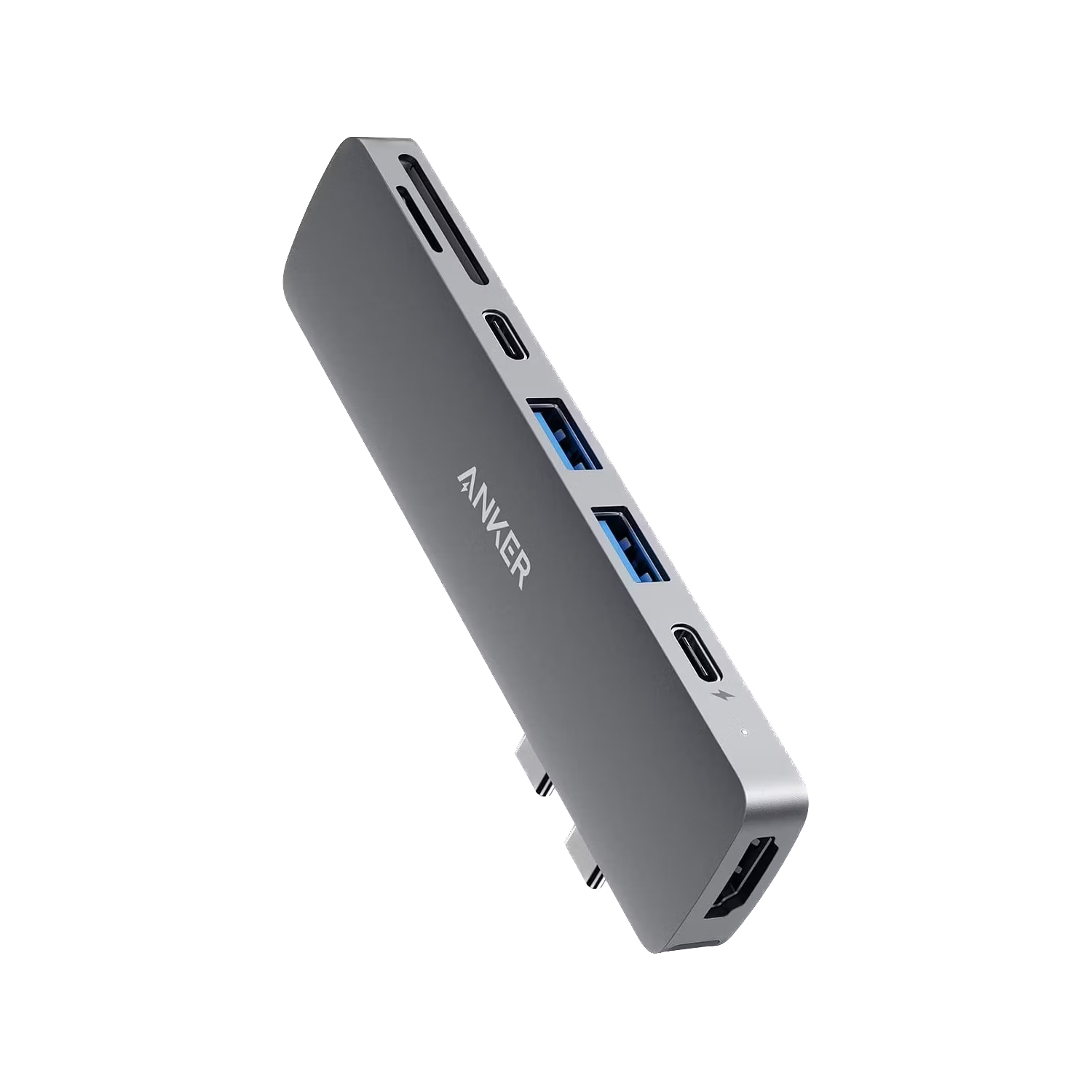
Anker 547 7-in-2 MacBook USB Hub
Editor’s choice
This hub is actually designed to fit perfectly on the side of the MacBook Pro. It expands the ports from two USB-C ports to two USB-C ports, two USB-A ports, an HDMI port, a microSD card slot, and an SD card slot. It supports charging up to 100W and data transfers up to 40Gbps.
-
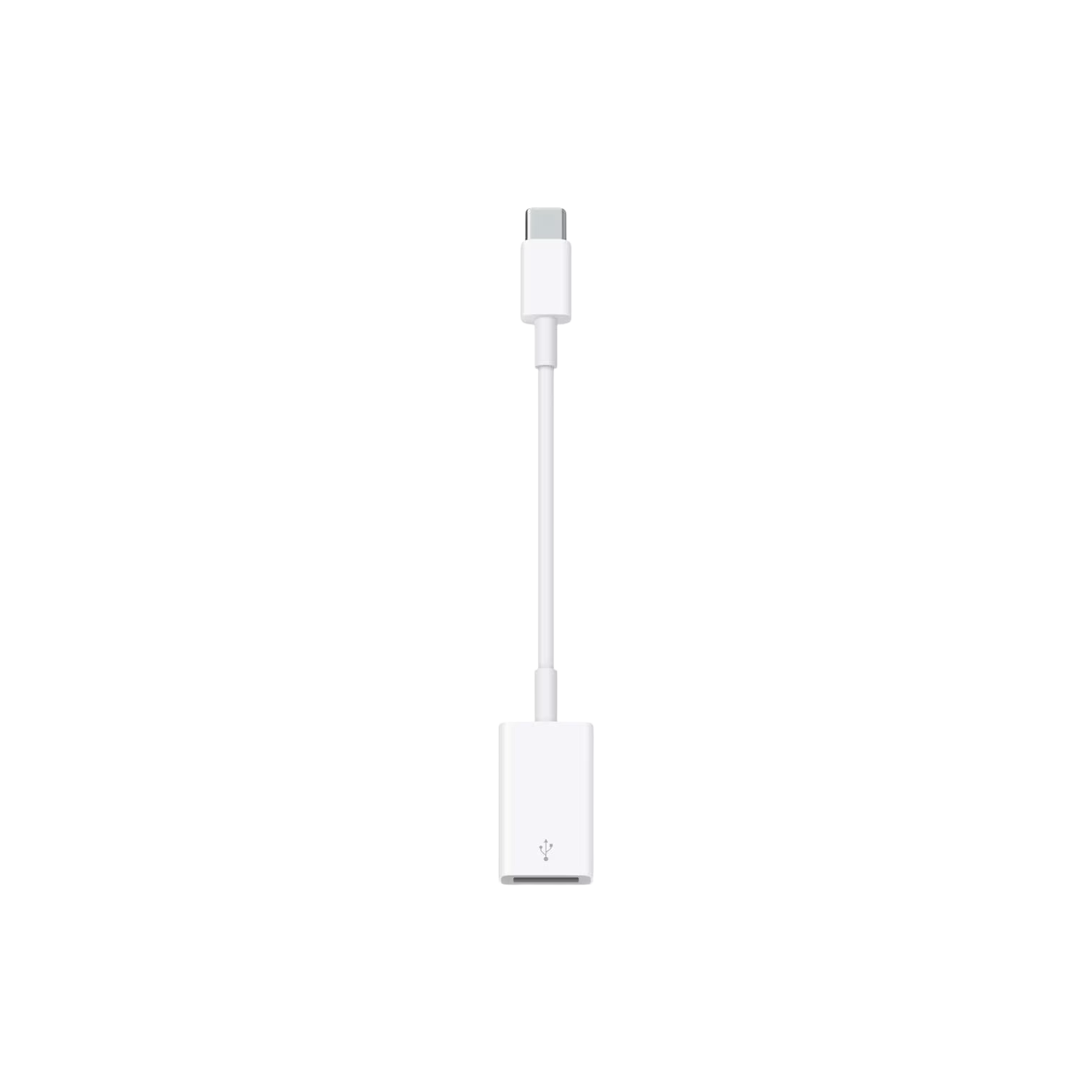
Apple USB-C to USB-A adapter
Necessary dongle
If you’re just looking for your computer to be a little more versatile, the official Apple USB-C to USB-A adapter is a must. It takes one of your USB-C ports and turns it into a USB-A port. This lets you connect your iPhone or iPad to your MacBook Pro. You can also charge devices with this.
-
Source: CalDigit
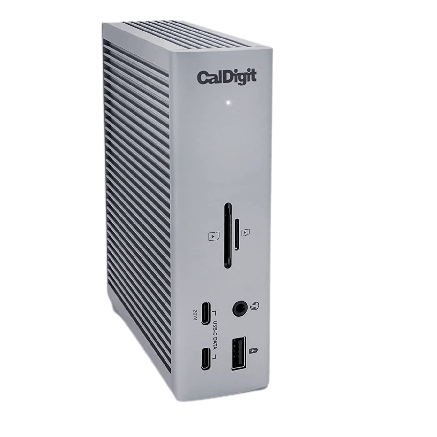
CalDigit TS4 Thunderbolt 4 Dock
Premium pick
If you’re using your MacBook Pro M3 frequently at a desk, the CalDigit TS4 Thunderbolt 4 Dock provides you with so much versatility. It has a total of 18 ports, including Thunderbolt downstream ports and a super-fast 2.5Gb Ethernet port. You’ll also get a DisplayPort, USB-A ports, and more USB-C ports.
-
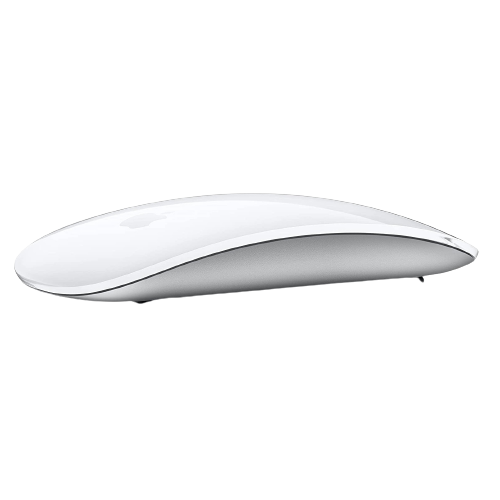
Apple Magic Mouse 2
Top mouse
$70 $79 Save
$9For those who want a mouse, this offering from Apple is the best for the new MacBook Pro M3 lineup. It has a sleek design that is comfortable to hold and glides easily on a desktop or mouse pad. The intuitive gesture commands are easy to use, and the battery lasts a long time.
-
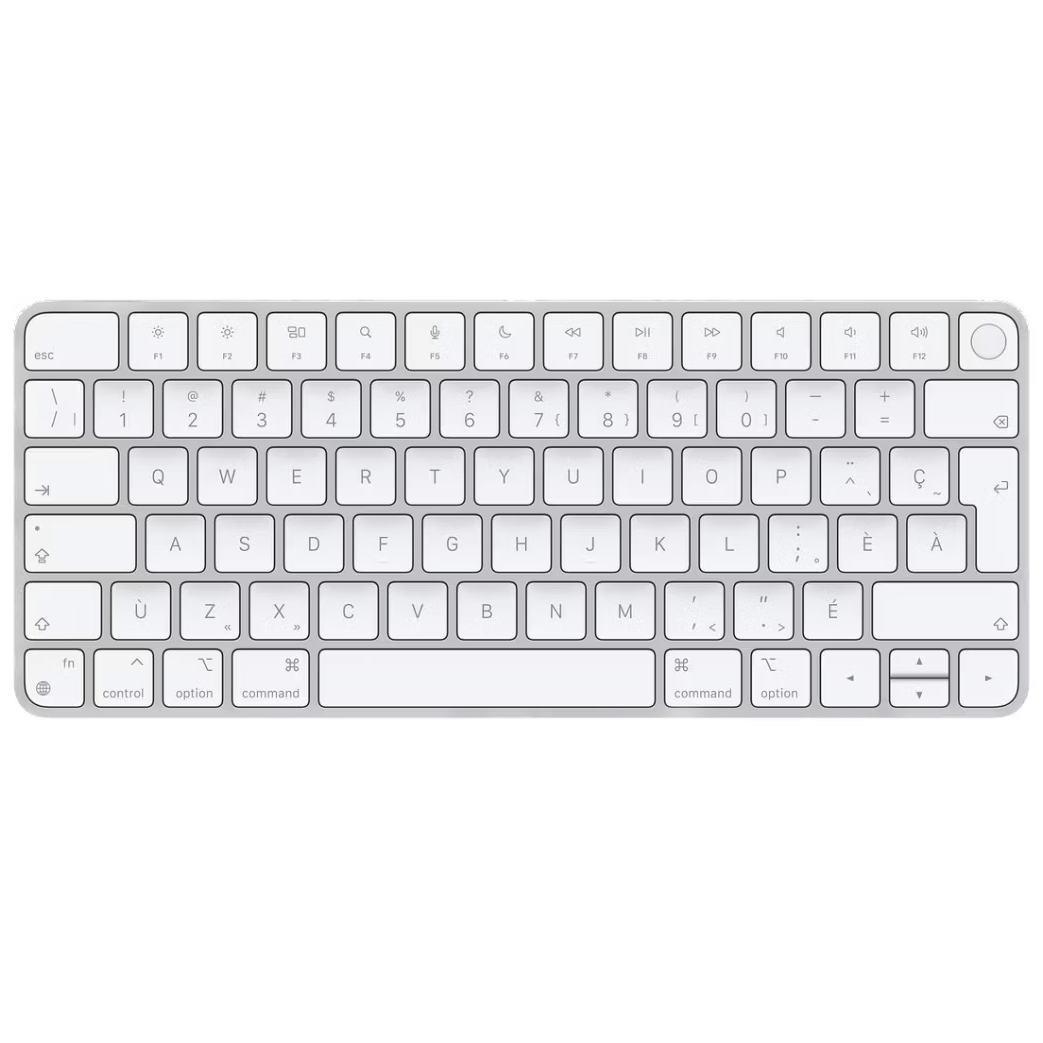
Apple Magic Keyboard
Official keyboard
Expanding your MacBook Pro’s capability if you’re utilizing it at a desk makes sense, and the Apple Magic Keyboard is the best keyboard to pair with it. This wireless Bluetooth keyboard pairs quickly and can go weeks without charging. When you do need to charge it, you can just plug it in with a Lightning-to-USB cable.
-
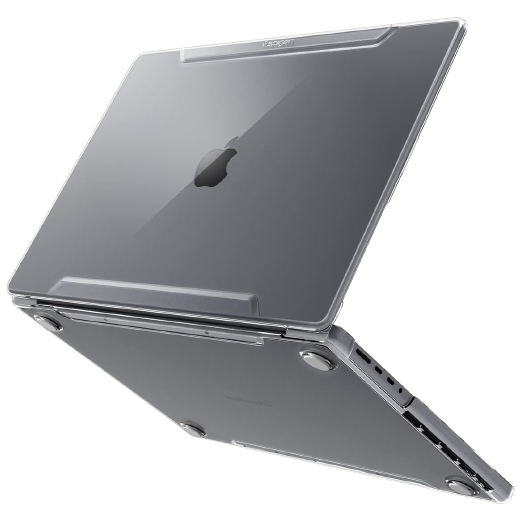
Spigen Thin Fit Case for MacBook Pro
Best case
$45 $65 Save
$20No matter which MacBook Pro M3 you decide on, protect it with this case from Spigen. It’s incredibly durable, as the outer shell is made from PC. The feet underneath are non-slip, so it’ll stay in position on your desk. The precise port cutouts give you easy access, and it’s a breeze to install.
-
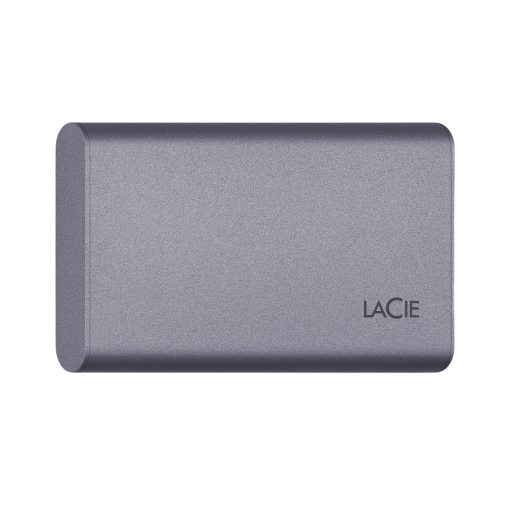
LaCie 500GB Mobile SSD Secure USB-C Drive
For added storage
This LaCie Mobile SSD Secure drive gives you 500GB of external storage with read speeds up to 1,050MB/s. You’ll also get write speeds up to 1,000MB/s and it works with either your iPhone or iPad to transfer photos and files to your MacBook Pro M3 quickly and efficiently. It’s lightweight and fits in your bag with ease.
-
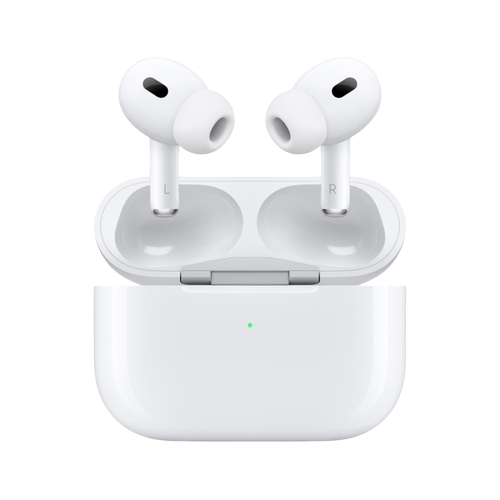
Apple AirPods Pro 2nd Generation (USB-C)
Quick connection
$190 $250 Save
$60The latest AirPods Pro sync up perfectly with your MacBook Pro M3. These offer solid active noise cancellation because of the H2 chip. They will pair with your computer quickly and allow you to manage playback controls on your MacBook from the pods. You’ll get six hours of battery life per charge.


Best accessories for MacBook Pro (M3, 2023)
The MacBook Pro M3 lineup offers a lot in terms of efficiency, power, and battery life. Expanding the laptops’ abilities with accessories is smart. Add more ports for on-the-go use with the Anker 547 hub that’s made specifically to be plugged into the MacBook Pro. This will give you ports that aren’t available on the MacBook Pro M3, as these versions have one fewer Thunderbolt port than the previous version of the MacBook Pro. You can also opt for the CalDigit TS4 Thunderbolt dock that gives you 18 ports, giving you the perfect accompaniment for using your MacBook Pro on a desk.
The Magic Mouse 2 from Apple makes use of the MacBook Pro M3 easier because you don’t have to rely on the touchpad at all times. The useful gesture commands give you another level of control over your computer. Plus, it’s comfortable to hold onto. No matter what accessories you add to your MacBook Pro M3, you’re going to be making a great laptop even better. If you’re someone who is going to be using it while traveling, you’re going to want a second charger, in case you lose the one that comes from Apple is lost. See our picks for the best MacBook Pro M3 chargers.

MacBook Pro (M3, 2023)
The new MacBook Pro offers Apple’s M3, M3 Pro, and M3 Max chips in 14-inch and 16-inch designs. It features a 20% brighter display and an all-new Space Black finish option.