-
MacBook Pro (M3, 2023)
Editor’s choice
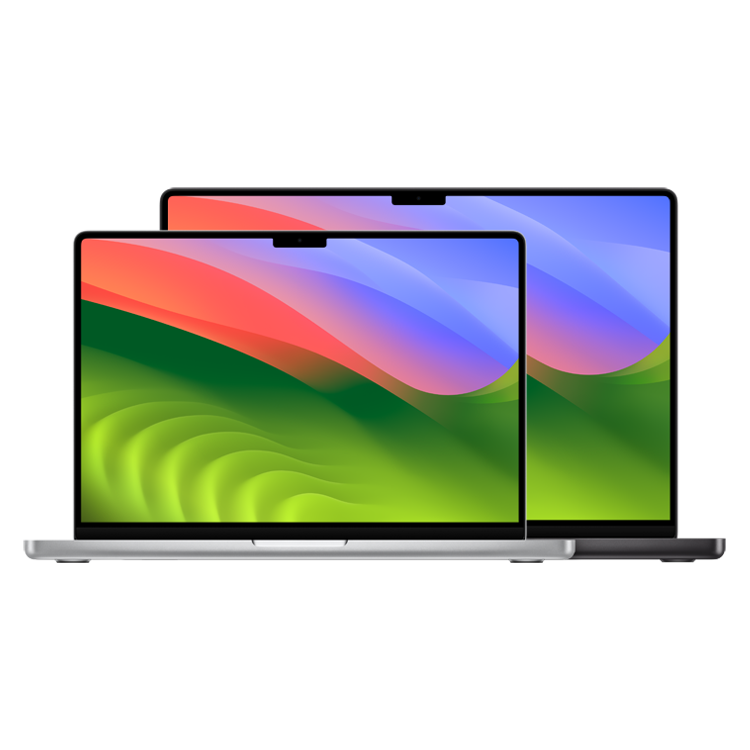
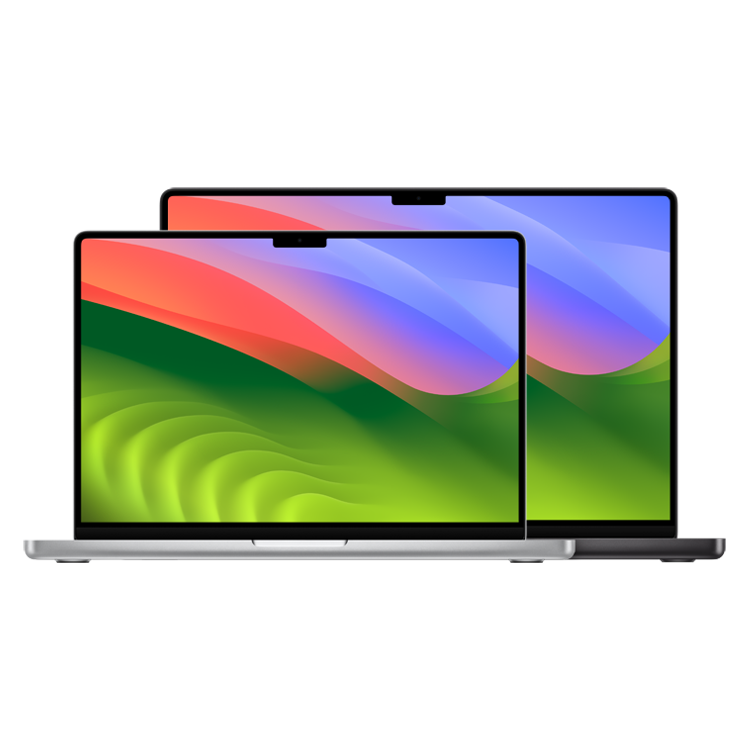
The new MacBook Pro offers Apple’s M3 chip in a 14-inch design. When compared to the MacBook Air, it features a superior display, wider port variety, and larger build.
Pros- More powerful M3 chip
- Superior display
- Wider port variety
Cons- Fewer color options
- Pricier
- Heavier and thicker
-
MacBook Air (M2)
Lighter alternative
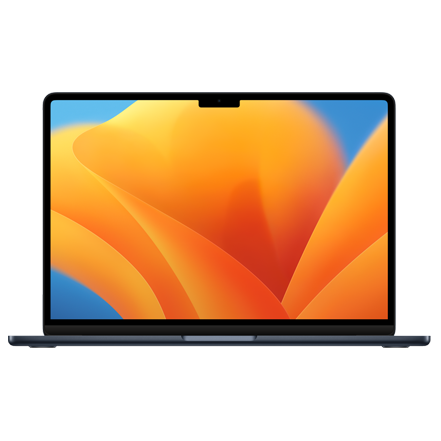
The latest MacBook Air offers the M2 chip in a 13-inch design. While it misses out on some display features and the wider port variety, it’s an excellent laptop for those on a limited budget.
Pros- Lighter
- More color options
- Costs less
Cons- Shorter battery life
- Limited port types
- Older M2 chip


Apple sells a wider variety of excellent Macs that target different consumers. Its line of MacBooks happens to be popular among users due to the notebooks’ portability, power, and energy efficiency. Nonetheless, finding the right MacBook can be a chore, especially when there are so many different variants out there. The 14-inch MacBook Pro (M3, 2023) and 13-inch MacBook Air (M2, 2022) happen to be two of the best laptop models currently available. Let’s find out which notebook you should buy.
MacBook Pro M3 vs MacBook Air M2: Price, availability, and specs
The 13-inch MacBook Air M2 launched in July 2022, and it currently starts at $1,099. Meanwhile, the 14-inch MacBook Pro M3 launched in November 2023 for $1,599. The former laptop offers Silver, Starlight, Space Gray, and Midnight finishes, while the latter goes for Space Gray, Silver, and Space Black. Though, do note that the Space Black option is limited to M3 Pro/Max variants, which cost $1,999 or more. Expectedly, both MacBooks offer higher-end configurations for an added fee, but this comparison will primarily revolve around the base models.
-
MacBook Pro (M3, 2023) MacBook Air (M2) Operating System macOS Sonoma macOS Sonoma CPU Apple M3: 8-core, 11-core, 12-core, 14-core, 16-core Apple M2: 8-core GPU 10-core, 14-core, 18-core, 30-core, 40-core 8-core or 10-core Storage 512GB, 1TB, 2TB, 4TB, 8TB 256GB, 512GB, 1TB, 2TB Battery Up to 22 hours of video playback Up to 18 hours of video playback Display (Size, Resolution) 14.2-inch (3024x1964p) or 16.2-inch (3456x2234p) Liquid Retina XDR display, 254ppi, 1600 nits, 120Hz 13.6-inch Retina (IPS), 2560×1664, P3 Wide Color, True Tone, 500 nits or 15.3-inch IPS, 2880×1864, 500 nits, True Tone, P3 Wide Color Speakers High-fidelity six-speaker sound system with force-cancelling woofers Quad-speaker stereo setup, Spatial Audio with Dolby Atmos Colors Space Gray, Silver, Space Black Silver, Space Gray, Starlight, Midnight Memory 8GB, 16GB, 18GB, 24GB, 36GB, 48GB, 64GB, 96GB, 128GB 8GB, 16GB, 24GB Ports SDXC card, HDMI, 3.5mm headphone jack, 3x Thunderbolt 4, MagSafe 3 2 x USB4/Thunderbolt, 3.5mm headphone jack, MagSafe 3 Dimensions 12.31 x 8.71 x 0.61 inches (31.26 x 22.12 x 1.55cm) or 14.01 x 9.77 x 0.66 inches (35.57 x 24.81 x 1.68cm) 11.97 x 8.46 x 0.44 inches (13-inch model) / 13.4 x 9.35 x 0.45 inches (15-inch model) Weight 3.4 pounds (1.55kg) or 4.7 pounds (2.14kg) 2.7 pounds (13-inch) / 3.3 pounds (15-inch) Price $1,599 Starting at $1,099 (13-inch) or $1,299 (15-inch) Webcam 1080p 1080p Connectivity Wi-Fi 6E, Bluetooth 5.3 Wi-Fi 6, Bluetooth 5.3 Security Touch ID Touch ID
Design and display

Let’s start by comparing the designs of these two MacBooks. Both models look similar, featuring an aluminum chassis and a notched display. The main differences in the design department are the size, weight, and color options. The MacBook Air is the clear winner here, as it weighs less, offers more finishes, as noted above, and has a more compact build. For reference, the MacBook Air is 11.97 x 8.46 x 0.44 inches and weighs 2.7 pounds, while the 3.4-pound MacBook Pro is 12.31 x 8.71 x 0.61 inches.

The display is a different story, however. The MacBook Pro offers a 14.2-inch 3024×1964 screen with a 1600-nit peak brightness and up to 120Hz refresh rate. Meanwhile, the MacBook Air features a 13.6-inch 2560×1664 display with a 500-nit brightness and 60Hz refresh rate. So, with the Pro variant, you’re getting a larger, smoother, and brighter screen.
So, if you’re after the portability and color options, the MacBook Air wins this round. If you’re seeking the best display on an Apple laptop, then go for the MacBook Pro.
Battery and ports

The battery and ports are two other important aspects you should look into when buying a new laptop. The MacBook Pro is expectedly the winner here, as well. Starting with the battery, you get up to 22 hours of video streaming on a single charge, according to Apple, which is 4 hours more than that offered by the MacBook Air. Both laptops charge through MagSafe 3 or their Thunderbolt ports.

Speaking of ports, both the MacBook Pro and Air offer MagSafe 3, two Thunderbolt / USB 4, and a 3.5mm headphone jack. Though, the Pro model additionally includes an HDMI port and an SD card slot. The USB ports on both laptops support Thunderbolt 3 data transfer speeds (40Gb/s), DisplayPort, and charging. Both MacBooks also support one 60Hz external display with a maximum resolution of 6K. So if you don’t plan on using the HDMI port or SD card slot, then you’re not missing out on anything by opting for the Air variant when it comes to ports.
Performance

Lastly, we have to compare the performance of these MacBooks. Both models offer an 8-core CPU, 10-core GPU, 8GB to 24GB of RAM, and a maximum of 2TB of SSD. Notably, the base MacBook Air only offers 256GB of storage, while the Pro variant goes for 512GB. And do note that M3 Pro/Max variants of the MacBook Pro can support even more memory, but this battle revolves around the base M3 and M2 chips.
In terms of the actual chipsets, the M3 family offers up to 15% faster performance cores and 30% faster efficiency cores when compared to the M2 family. Furthermore, the M3 series introduce some notable GPU upgrades, including hardware-accelerated ray tracing and mesh shading. That’s in addition to AV1 decoding supports and a 15% faster Neural Engine. So you can expect your computer to operate more reliably when dealing with video editing, on-device AI features, gaming, etc.

Overall, the M3 chip is superior in pretty much all aspects when compared to M2. That’s not to mention that the MacBook Pro exclusively offers an advanced thermal system, ensuring that you can make the most out of the M3 chip. So, if you plan on pushing the limits of your computer, the MacBook Pro is the laptop to get. If your workflow consists of casual, everyday tasks, then the M3 is an incremental upgrade when compared to M2, and the MacBook Air should still serve you reliably.
MacBook Pro M3 vs MacBook Air M2: Which Apple laptop should you buy?
There’s no denying that the MacBook Pro M3 is the better laptop in this comparison. It offers a superior display, a faster chip, a wider port variety, and much more. Its only cons would be the pricier cost, heavier build, and limited color options. So, if you’re looking for the latest in the Apple laptop department, opt for a MacBook Pro.

MacBook Pro (M3, 2023)
Editor’s choice
The new MacBook Pro offers Apple’s M3 chip in a 14-inch design. When compared to the MacBook Air, it features a superior display, wider port variety, and larger build.
If you’re more of a casual user who won’t be pushing the laptop’s limits, then the MacBook Air would be the smarter purchase. The M2 chip is still considered highly capable, and its design makes it lighter and more portable. Similarly, if you’re on a limited budget, then the MacBook Air can act as a solid, albeit less powerful, alternative to the MacBook Pro.

MacBook Air (M2)
Lighter alternative
The latest MacBook Air offers the M2 chip in a 13-inch design. While it misses out on some display features and the wider port variety, it’s an excellent laptop for those on a limited budget.