-
MacBook Pro (M3, 2023)
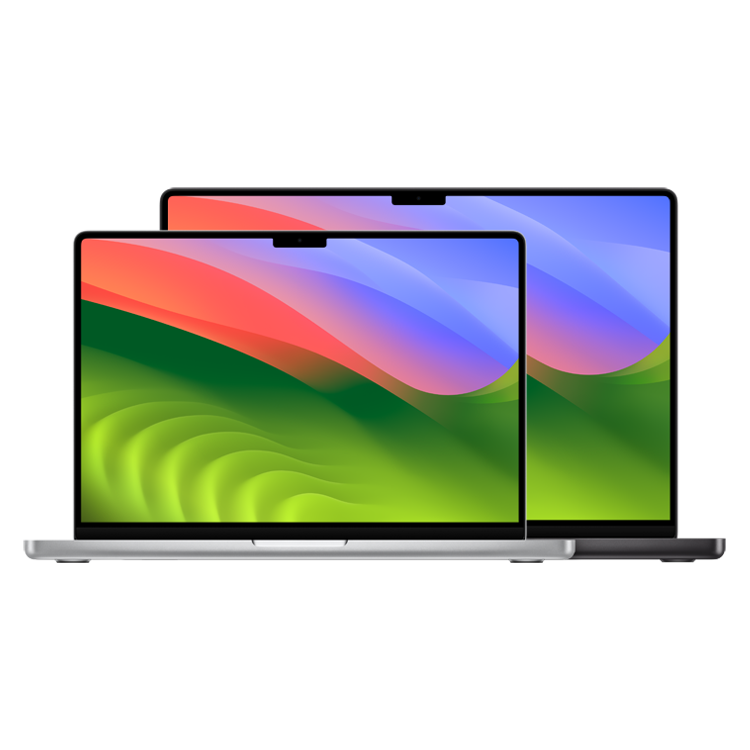
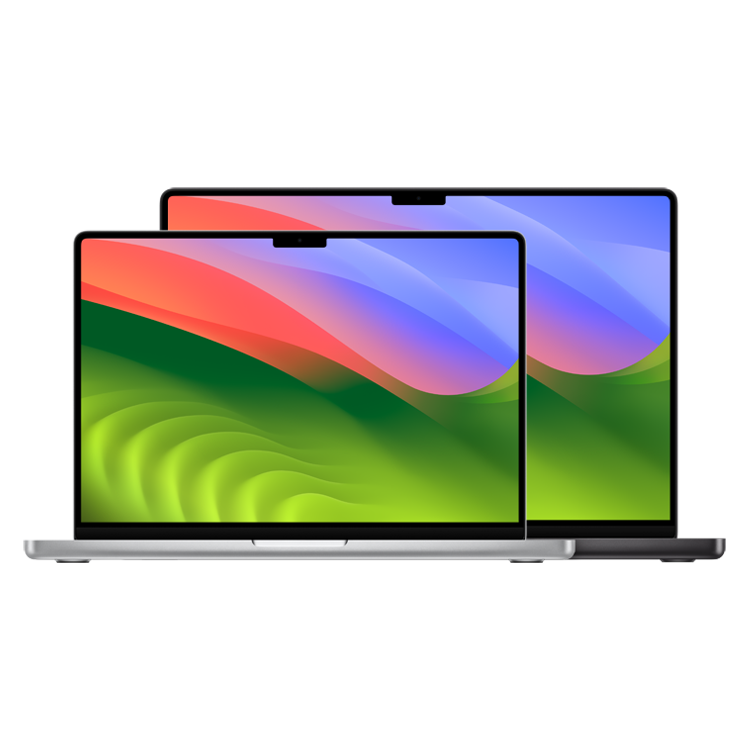
The new MacBook Pro offers Apple’s M3, M3 Pro, and M3 Max chips in 14-inch and 16-inch designs. It features a 20% brighter display and an all-new Space Black finish option.
Pros- Beautiful mini-LED display
- Comfortable keyboard
- Increased M3 processor speed
-
Apple Mac Studio (2023)
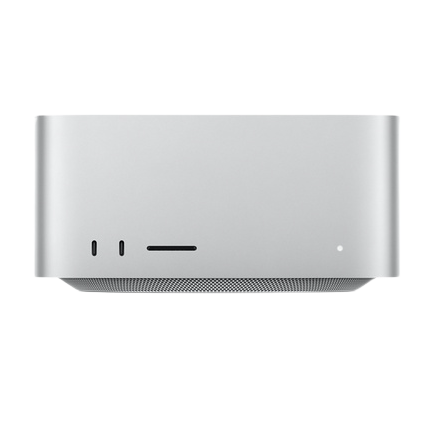
The 2023 Mac Studio with either M2 Max or M2 Ultra is Apple’s second most powerful computer behind only the Mac Pro. Its smaller size and lower price make it arguably a better option than the latter.
Pros- 10Gb Ethernet support
- Compact and quiet
- Great performance in creative programs
Cons- Not user-upgradable
- No keyboard and mouse included


The MacBook Pro (M3) was just unveiled at Apple’s Halloween-themed “Scary Fast” event, and we expect it to be one of the most powerful MacBook Pros yet. The MacBook Pro has been a mainstay in the creative community for years, thanks to its blend of versatility, portability, performance, and a beautiful display. But, not everyone wants or needs a laptop, and many creators prefer to use their own specially calibrated monitor with a desktop instead, and that’s where the Mac Studio comes in. The Mac Studio is a mini-Mac desktop featuring powerful performance, and a great selection of ports for creative pros. See how these two great devices compare, and which one is the better option for your own creative needs.
MacBook Pro (M3, 2023) vs Mac Studio (2023): Price, specs, and availability
Preorders for the MacBook Pro M3 are open now, and shipping is set to begin on Nov. 7. The base model comes with 8GB of RAM, an 8-core M3 processor, and a 14-inch Liquid Retina XDR display with a 3024×1964 resolution, while the 16-inch model features a 16.2-inch 3456×2234 Liquid Retina XDR display. Both display sizes feature a maximum brightness of 1600 nits along with a 120Hz refresh rate, both of which are ideal for content creation.
The Mac Studio released back in June 2023, and starts at $1,999 for the base model, comes with 32GB RAM, a 512GB SSD, and the M2 Max SOC, which features a 12-core CPU 30-core GPU, and a 16-core Neural Engine. The starting price of $1,999 is just for the Mac Studio; you will need your own monitor, mouse, and keyboard. There is also the maximum option, which will cost you $8,799 for 192GB of RAM, an 8GB SSD, and the M2 Ultra SOC with a 24-core processor, 76-core GPU, and the 32-core Neural Engine.
|
Apple MacBook Pro (M3, 2023) |
Apple Mac Studio (2023) |
|
|
Brand |
Apple |
Apple |
|
Memory |
8GB, 16GB, 18GB, 24GB, 36GB, 48GB, 64GB, 96GB, 128GB |
32GB, 64GB, 128GB, 192GB |
|
CPU |
Apple M3 8-core, 11-core, 12-core, 14-core, 16-core |
Apple M2 Max 12-core; Apple M2 Ultra, 24-core |
|
Storage |
512GB, 1TB, 2TB, 4TB, 8TB |
512GB, 1B, 2TB, 4TB, 8TB, PCIe SSD |
|
Ports |
SDXC card, HDMI, 3.5mm headphone jack, 3x Thunderbolt 4, MagSafe 3 Power |
6x USB-C (Thunderbolt 4), 1x HDMI, 1x Power, 1x 10Gb Ethernet, 2x USB 3.1 Gen 2, 1x 3.5mm headphone, 1 x SD card reader |
|
Graphics |
10-core, 14-core, 18-core, 30-core, 40-core |
30-38-core GPU (M2 Max); 60-76-core GPU (M2 Ultra) |
|
Display |
14.2-inch (3024×1964); 16.2-inch (3456×2234) Liquid Retina XDR Display, 254ppi, 1600 nits, 120Hz |
N/A |
|
Colors |
Space Gray, Silver, Black |
Silver |
|
Dimensions |
12.31 x 8.71 x 0.61 inches (31.26 x 22.12 x 1.55cm); 14.01 x 9.77 x 0.66 inches (35.57 x 24.81 x 1.68cm) |
3.7 x 7.7 x 7.7 inches (9.5 x 19.7 x 19.7cm) |
Design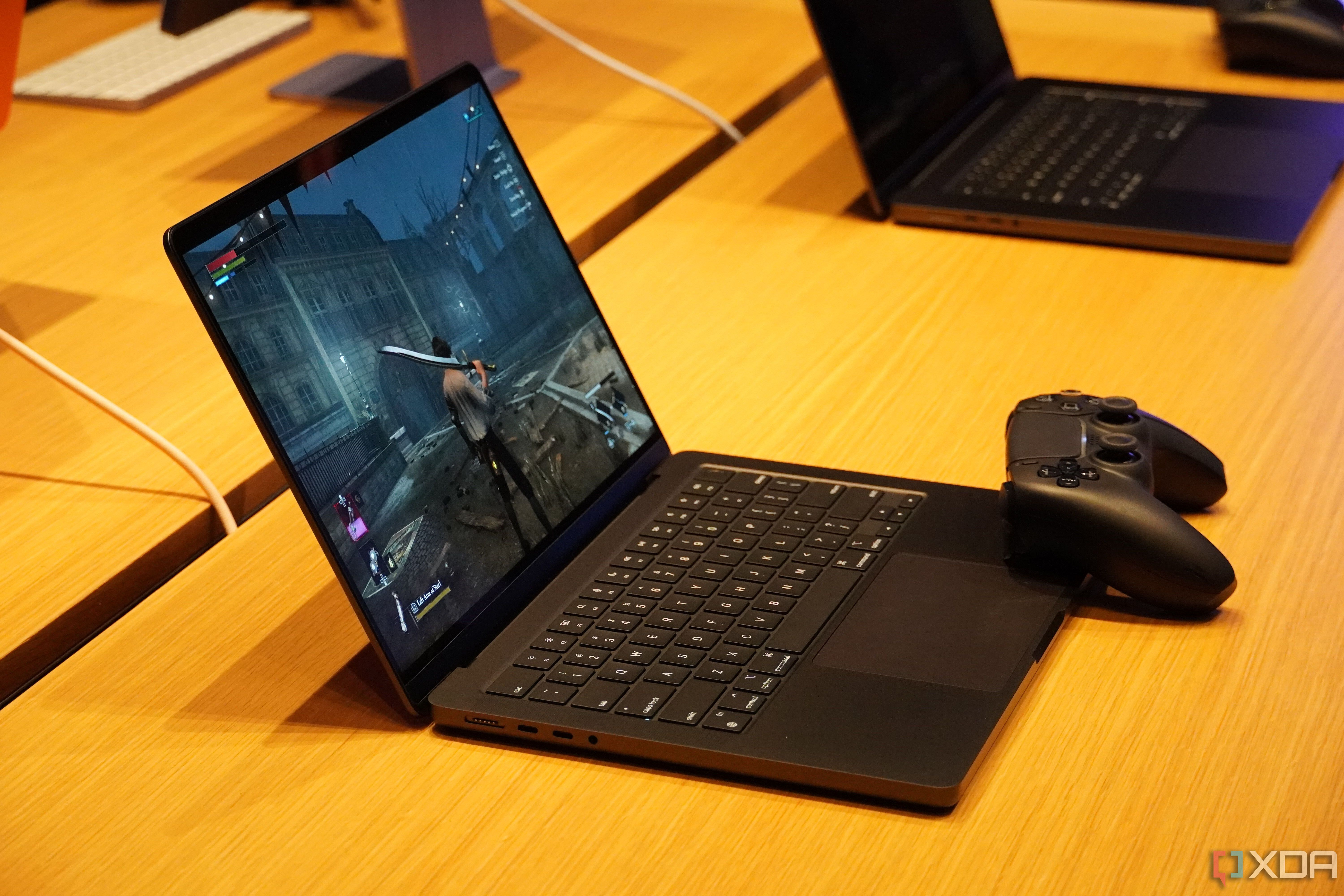
Right out of the way, we have to mention the most obvious design difference here. The Mac Studio is a compact desktop PC whereas the MacBook Pro is a laptop. With that out of the way, we can get to the biggest design difference in the newest MacBook Pro when compared with previous generations, and that’s the new Space Black color scheme. The MacBook Pro is one of the most portable creator laptops, measuring 12.31 x 8.71 x 0.61 inches for the 14-inch model and 14.01 x 9.77 x 0.66 inches for the 16-inch model. The 14-inch model is the most portable of the two, with a weight of 3.4 pounds, compared to the 16-inch model’s 4.7 pounds.
The design of the MacBook Pro hasn’t changed much since the latest design overhaul in 2021, which in my opinion is a good thing. For the most part, everything is perfect with the design of the MacBook Pro in 2023, with a slim, aluminum chassis that features a solid range of ports. The MacBook Pro M3 offers three Thunderbolt 4 ports, the MagSafe 3 charging port, an HDMI output, an SDXC card reader and a 3.5mm headphone jack.
Switching over to the Mac Studio, its biggest design feature is how compact it is, measuring 7.7 x 7.7 x 3.7 inches and weighing between 5.9 to 7.9 pounds depending on your configuration. While it’s a bit heavier than you might expect, it’s still incredibly easy to move it around and place it anywhere on your desk. It also could travel easily, as long as you have a heavy-duty bag or case for it.
The actual design itself isn’t too exciting with rounded corners, and flat sides that sit flush with the flat top, which is emblazoned with the Apple logo. The Mac Studio used to not have any ports on the front of device, but now we have two USB-C ports (on the M2 Max) or two Thunderbolt 4 ports (on the M2 Ultra) and full-sized SD card reader. The back of the Studio has more ports, with four Thunderbolt 4 ports, a 10Gb Ethernet port, two USB-A 3.1 Gen 2 ports, an HDMI port for connecting a monitor, and a headphone port. The Studio uses a mesh grill system on the back above the I/O panel and underneath itself to keep the components cool and quiet.

Connectivity
When it comes to connectivity, the Mac Studio takes the win here. The MacBook Pro isn’t lacking in connectivity options for a laptop, but as we outlined above, it just can’t compete with the port offering that comes with the Mac Studio. You get three additional Thunderbolt 4 ports, an Ethernet port, and there’s a limited selection of USB Type-A ports.
While the port selection on the MacBook Pro is the best it has been in a while, it is still ultimately a laptop and not a full desktop replacement in the way that the Mac Studio is. While you don’t get the full port suite that would come with something like the Mac Pro with the Studio, you do get an impressive array of Thunderbolt 4 ports, which will allow you to connect multiple monitors alongside an HDMI port for a primary monitor connection. You can also do this with the MacBook Pro, but again, you’re limited to just three Thunderbolt 4 ports and an HDMI, compared to the eight Thunderbolt 4 ports and HDMI of the Mac Studio.
Performance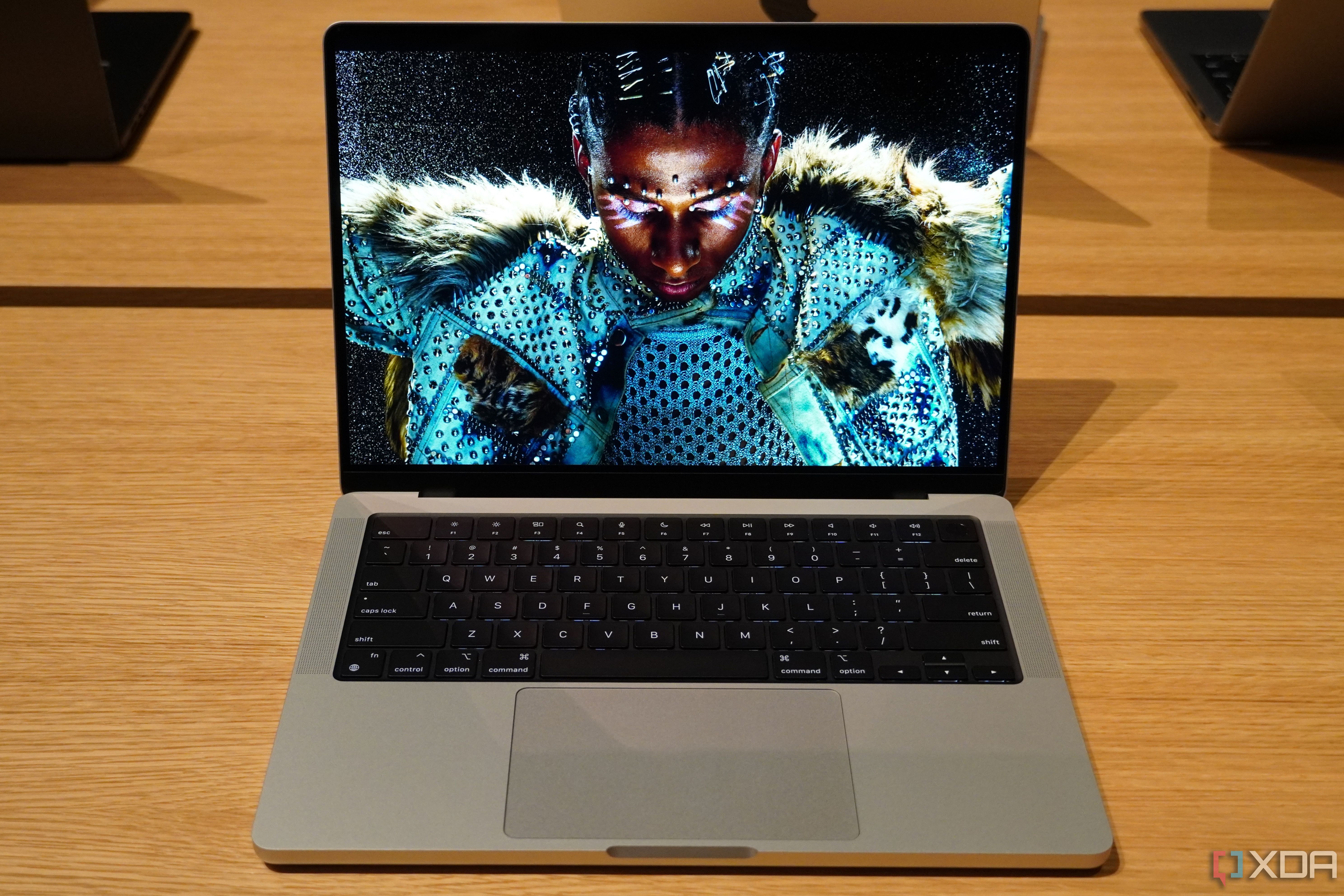
If you’re looking for the ultimate performance powerhouse between these two, the Mac Studio with the M2 Ultra is still the way to go. While we expect the new M3 chip to be incredibly fast, The M2 Ultra in the Mac Studio Ultra configuration still provides price-per-pound more cores in both the CPU and GPU, which if you are a creative pro, is what you are looking for.
By no means is this a slight towards the MacBook Pro, which is still one of the best laptops you can buy as a creative pro, especially if you are looking for something with a great display that is easily portable. Even when it comes to the maxed version of the MacBook Pro, we would still recommend the Mac Studio to a creative professional over the MacBook Pro, especially if you already have one of the best monitors for design and creative workloads.
Both of these machines are a joy to work on. I’ve been using multiple generations of the MacBook Pro, and can attest to the fact that these machines run cool and quiet, even when under heavy creative workloads from video editing or utilizing intensive creative programs such as Adobe Illustrator. When it comes to the Mac Studio, you get powerful desktop performance, but without the space (and some of the extra ports) that you would get with a tower-style Mac Pro or Windows desktop.
MacBook Pro (M3, 2023) vs Mac Studio (2023): Which is right for you?
When it comes to power and performance, there’s little competition between the MacBook Pro (M3, 2023) and Mac Studio. The Mac Studio is just a more powerful machine when it comes to creative performance thanks to a bigger processor, a better Thunderbolt 4 port selection, and a dedicated Ethernet port. You can also pair the Mac Studio with whichever monitor you have or want, whether it’s one of the best monitors, or Apple’s own Studio Display. Of course, you will have to provide everything else, as we mentioned earlier; you will need to buy your own keyboard and mouse if you do pick up the Apple Mac Studio (2023).

Apple Mac Studio (2023)
Editor’s choice
The 2023 Mac Studio with either M2 Max or M2 Ultra is Apple’s second most powerful computer behind only the Mac Pro. Its smaller size and lower price make it arguably a better option than the latter.
If you need the portability though, it’s hard to beat the MacBook Pro, and the M3 MacBook Pro promises to be the most powerful of the series ever released. It also comes starts at a better price now for the entry-level configuration, but we would recommend upgrading the RAM and SSD above the default 8GB and 256GB personally. The MacBook Pro still delivers that beautiful, color-correct Liquid Retina XDR screen that they’ve been using for a few generations of MacBook Pro now, and it’s even sharper than ever thanks to the improved features of the M3 processor. There’s also a sharper webcam now in the top notch thanks to the overall performance boost of the M3 processing platform.

MacBook Pro (M3, 2023)
Good alternative
The new MacBook Pro offers Apple’s M3, M3 Pro, and M3 Max chips in 14-inch and 16-inch designs. It features a 20% brighter display and an all-new Space Black finish option.